 LayMesh
Text and formulas#
Fonts, wrapping, colored spans, inline formulas, and standalone formulas.
Back to the gallery · Execution results
Text#
Font names and fallback#
Use installed system families or font files with ordered fallback for Latin and Chinese text across all three export backends.
label = text(content="Signal 信号: fonts in priority order", font_family=font, font_size=13 pt, color="#087f8c")page.add(label, target=page.top_left, offset=(9 mm, 34 mm))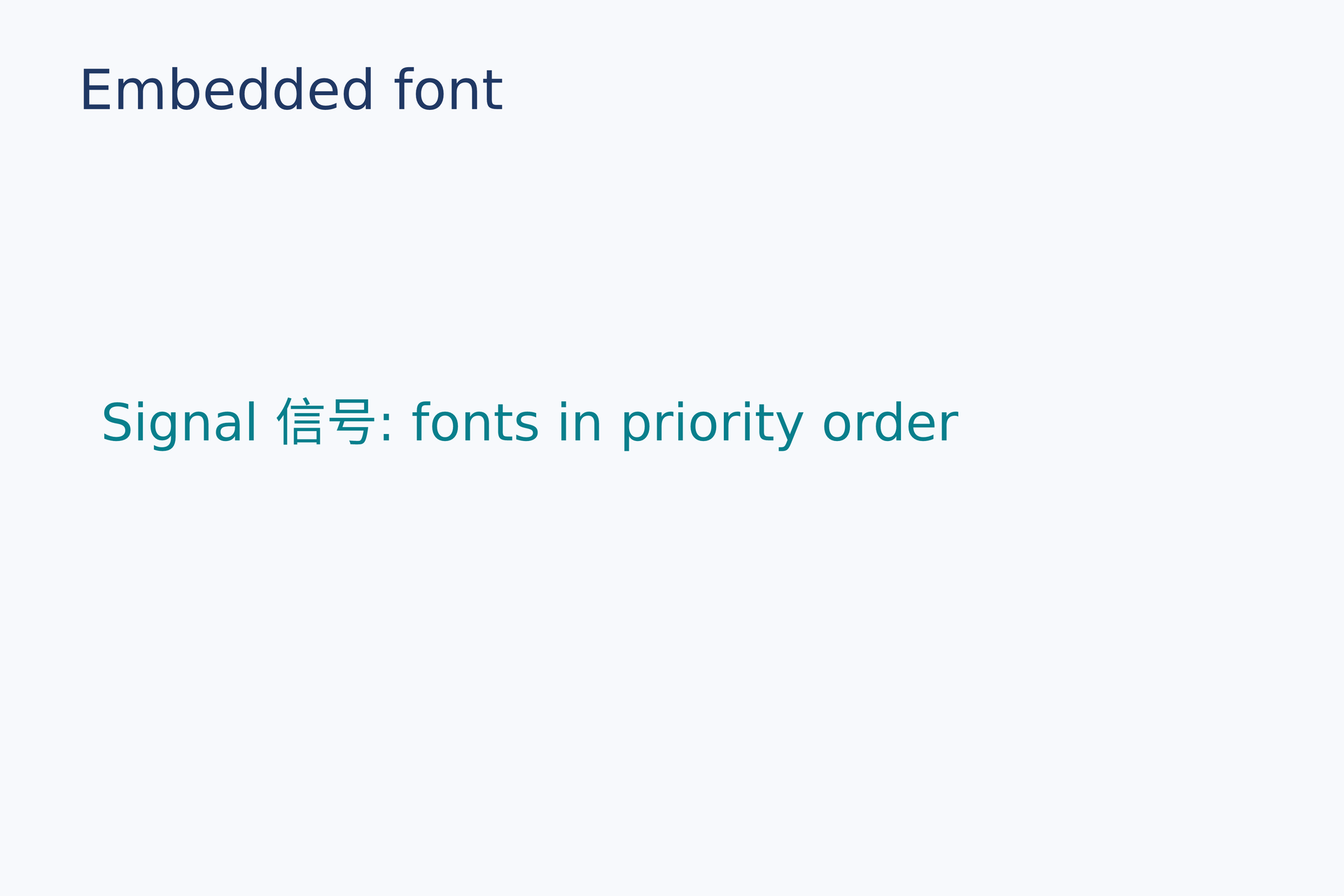
Source: font.lay.
Reproduce: laymesh validate examples/gallery/typography/font.lay; laymesh render examples/gallery/typography/font.lay -o font.png --dpi 150.
Observed CLI output: 有效:examples/gallery/typography/font.lay(120 × 80 mm,2 个顶层实例); PNG 709 × 472 px at 150 DPI; warnings: none.
Width, wrapping, and alignment#
Place the same paragraph at two widths; centered line counts change with width.
body = text(size=(45 mm, auto),content="One reusable sentence wraps at different widths.", font_family=font, font_size=10 pt, align=center, line_height=6 mm, color="#203864")page.add(body, target=page.top_left, offset=(8 mm, 29 mm))page.add(body,size=(57 mm, auto), target=page.top_left, offset=(61 mm, 29 mm))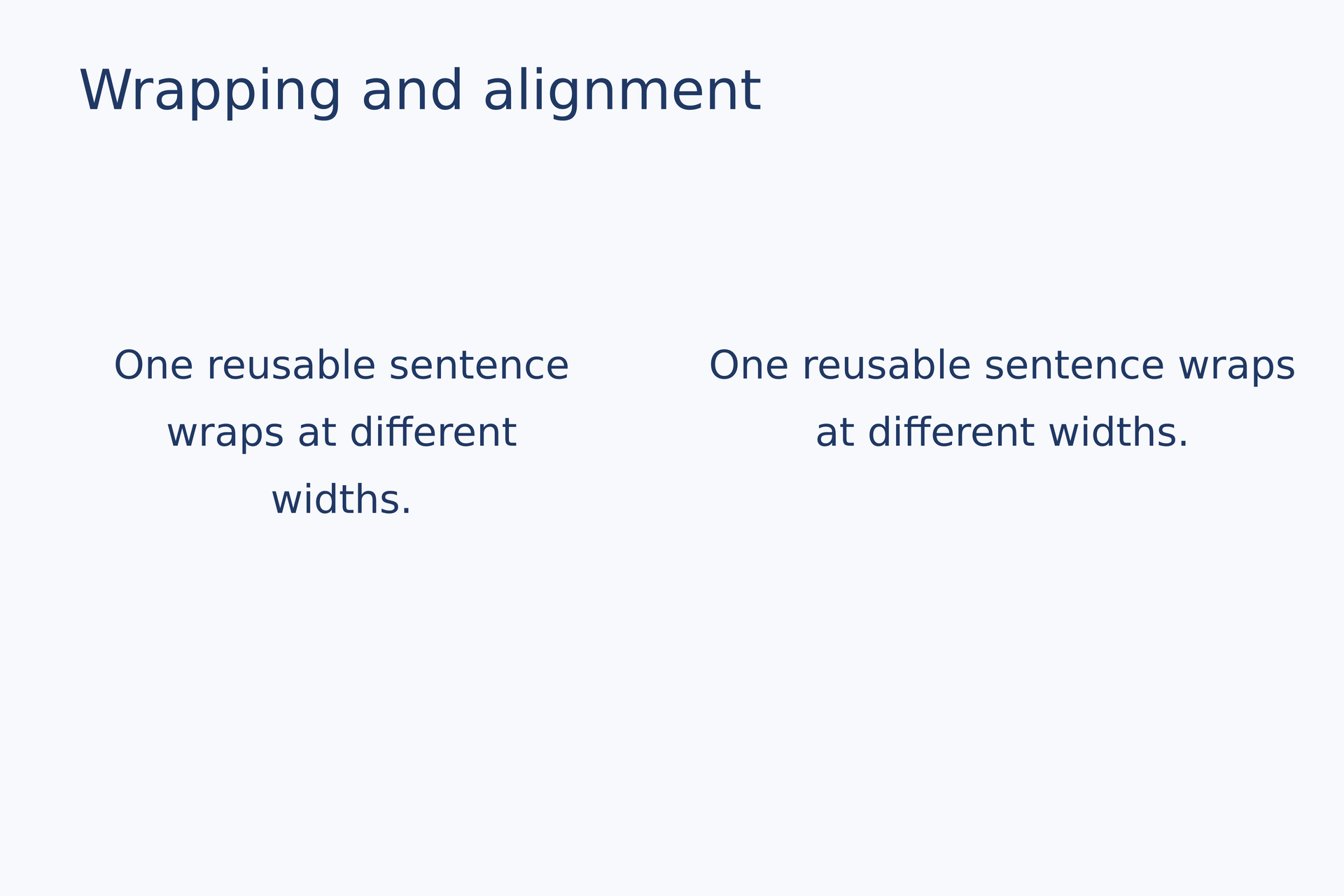
Source: wrap-align.lay.
Reproduce: laymesh validate examples/gallery/typography/wrap-align.lay; laymesh render examples/gallery/typography/wrap-align.lay -o wrap-align.png --dpi 150.
Observed CLI output: 有效:examples/gallery/typography/wrap-align.lay(120 × 80 mm,3 个顶层实例); PNG 709 × 472 px at 150 DPI; warnings: none.
Colored text spans#
Override color and size separately for spans in one line.
rich = text(spans=[ span("COLOR", color="#087f8c", font_size=16 pt), span(" IN ", color="#203864", font_size=12 pt), span("ONE LINE", color="#e67563", font_size=16 pt)], font_family=font, font_size=12 pt)page.add(rich, target=page.top_left, offset=(12 mm, 35 mm))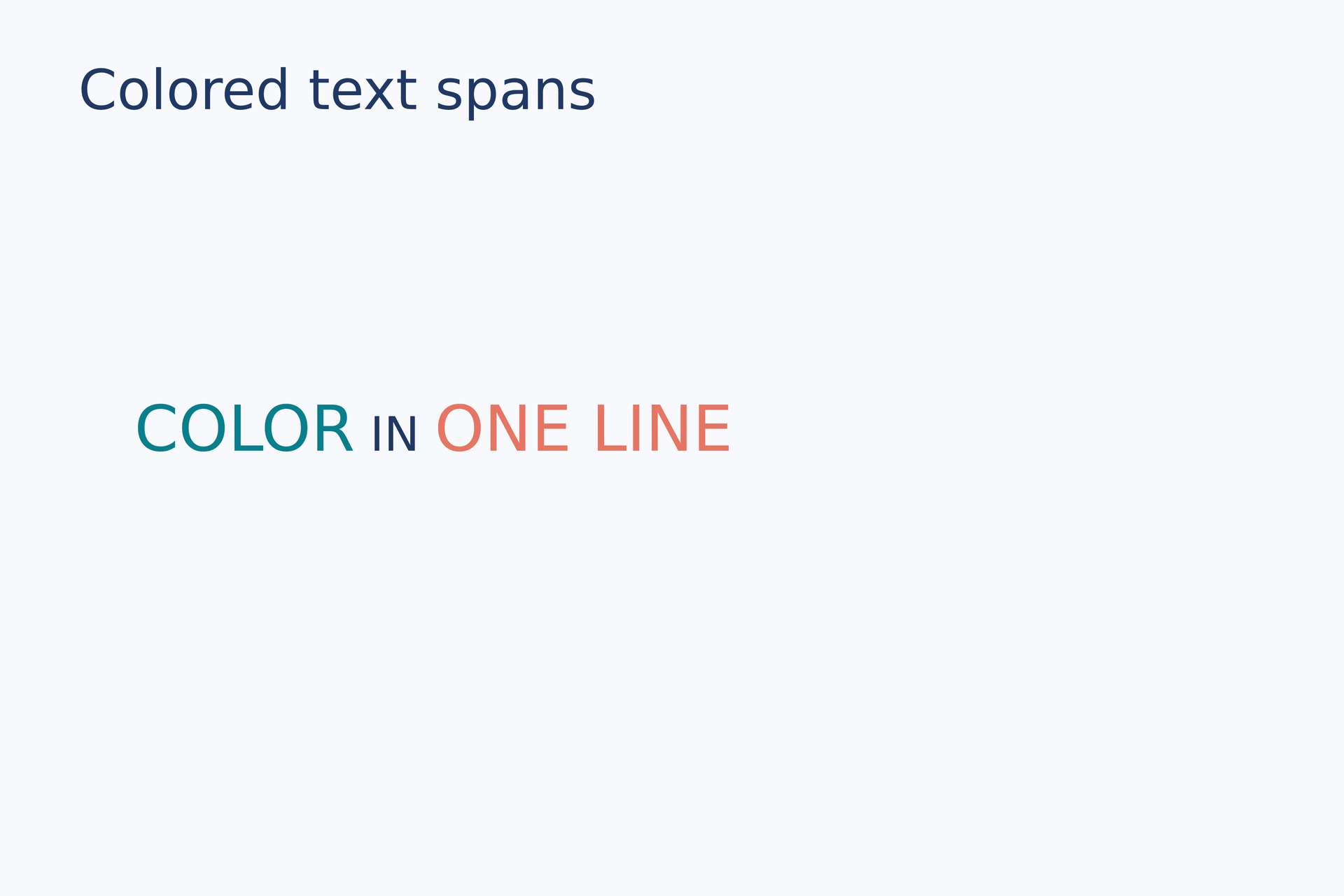
Source: spans.lay.
Reproduce: laymesh validate examples/gallery/typography/spans.lay; laymesh render examples/gallery/typography/spans.lay -o spans.png --dpi 150.
Observed CLI output: 有效:examples/gallery/typography/spans.lay(120 × 80 mm,2 个顶层实例); PNG 709 × 472 px at 150 DPI; warnings: none.
Formulas#
Inline formula#
Put a formula span on the same line as ordinary text.
sentence = text(size=(98 mm, auto),spans=[ span("Energy: ", color="#203864"), formula(source=r"E=mc^2", font_size=17 pt), span(" in one line", color="#087f8c")], font_family=font, font_size=11 pt)page.add(sentence, target=page.top_left, offset=(10 mm, 34 mm))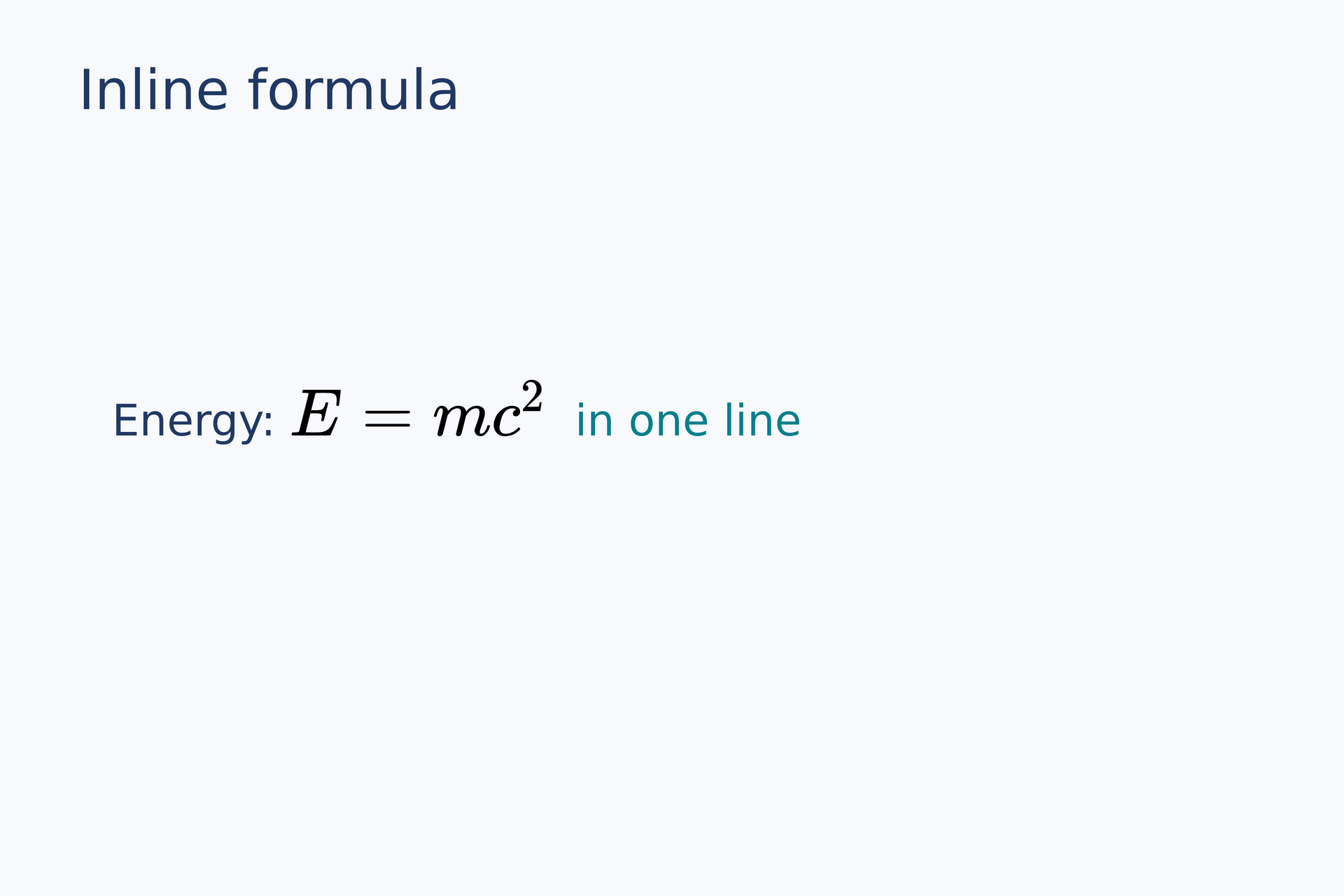
Source: inline-formula.lay.
Reproduce: laymesh validate examples/gallery/typography/inline-formula.lay; laymesh render examples/gallery/typography/inline-formula.lay -o inline-formula.png --dpi 150.
Observed CLI output: 有效:examples/gallery/typography/inline-formula.lay(120 × 80 mm,2 个顶层实例); PNG 709 × 472 px at 150 DPI; warnings: none.
Display formula#
Center a standalone formula; the PDF retains its original LaTeX source.
equation = formula(source=r"\int_0^1 x^2\,dx=\frac{1}{3}", font_size=22 pt, style=display)page.add(equation, anchor=center, target=page.center)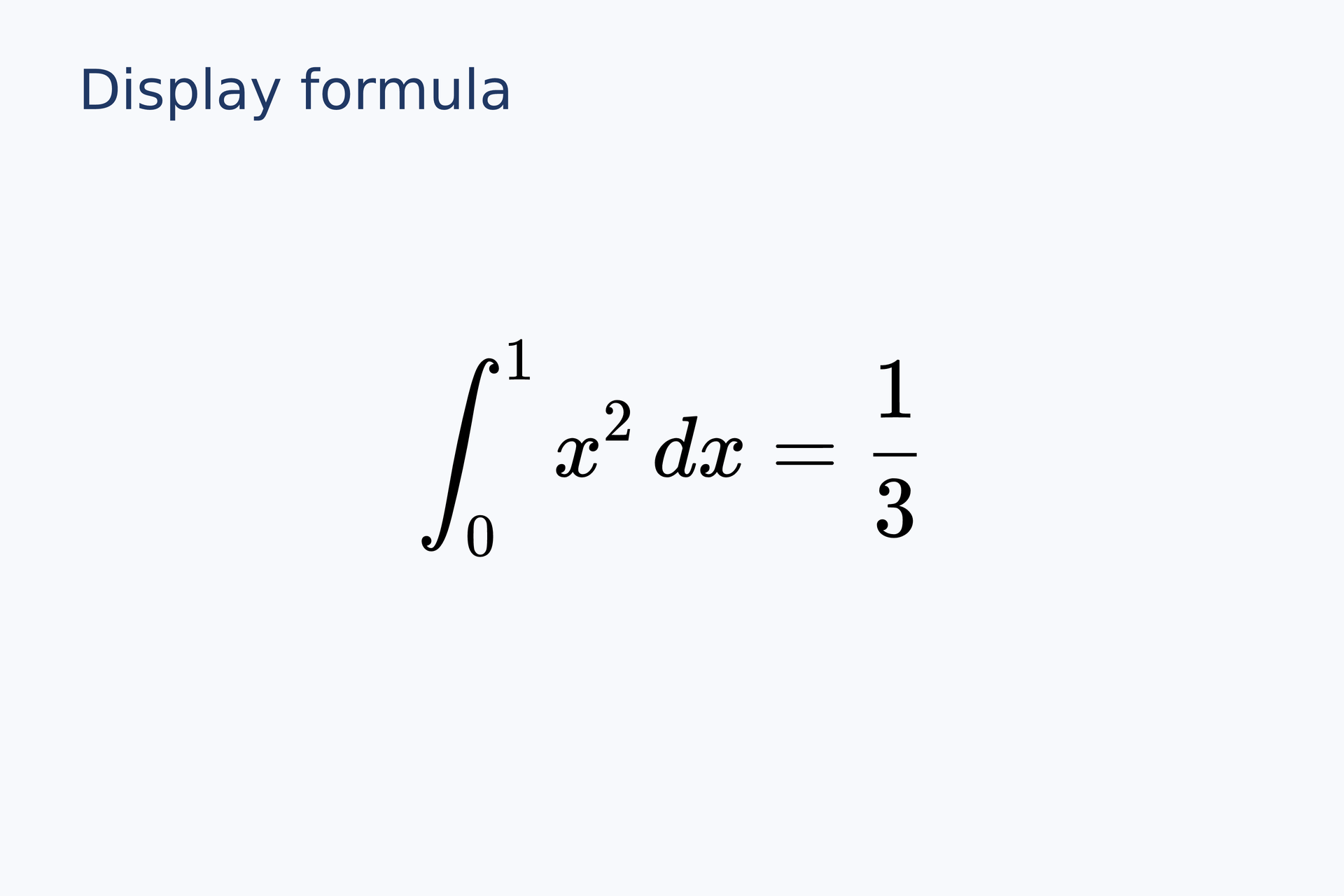
Source: display-formula.lay.
Reproduce: laymesh validate examples/gallery/typography/display-formula.lay; laymesh render examples/gallery/typography/display-formula.lay -o display-formula.png --dpi 150.
Observed CLI output: 有效:examples/gallery/typography/display-formula.lay(120 × 80 mm,2 个顶层实例); PNG 709 × 472 px at 150 DPI; warnings: none.