 LayMesh
Steps and action parameters#
Animation manual · Next: Custom keyframes
Step parameters#
page.step() adds steps in creation order. Actions in one step run in parallel unless an explicit link changes their starting point.
| Parameter | Values/default | Purpose |
|---|---|---|
| name | Optional string | Step name |
| duration | Optional finite time | Explicit window; required for infinite or permanently paused actions |
| hold | Time, default 1s | Hold after the action window |
| start | click (default), after-previous | Wait for click or follow the preceding hold; the latter starts the first step on entry |
An automatic window ends at the latest finite action ending, including delay, iterations, media conditions and action overrides. hold is outside that window, not the duration of every action.
Action parameters#
s.animate(target,class="animate__animated animate__fadeInUp",duration=800ms)| Parameter | Values | When omitted |
|---|---|---|
| target | Placed instance returned by add() | Required |
| class | Space-separated temporary classes | Target style context |
| name | Keyframe name or none | CSS animation-name |
| duration | Nonnegative s/ms | CSS, initially 0s |
| delay | s/ms, possibly negative | CSS, initially 0s |
| easing | linear, ease family, cubic-bezier, steps | CSS, initially ease |
| iterations | Nonnegative count, fraction, infinite | CSS, initially 1 |
| direction | normal/reverse/alternate/alternate-reverse | CSS, initially normal |
| fill | none/forwards/backwards/both | CSS, initially none; Animate.css base sets both |
| vars | Custom-property dictionary | Inherited/theme variables |
| play_state | running/paused | CSS, initially running |
| start | step/with-previous/after-previous | step |
Explicit parameters override CSS. vars can set --animate-duration for one action. start is Lay scheduling, distinct from CSS delay and CSS steps() easing.
Parallel and linked actions#
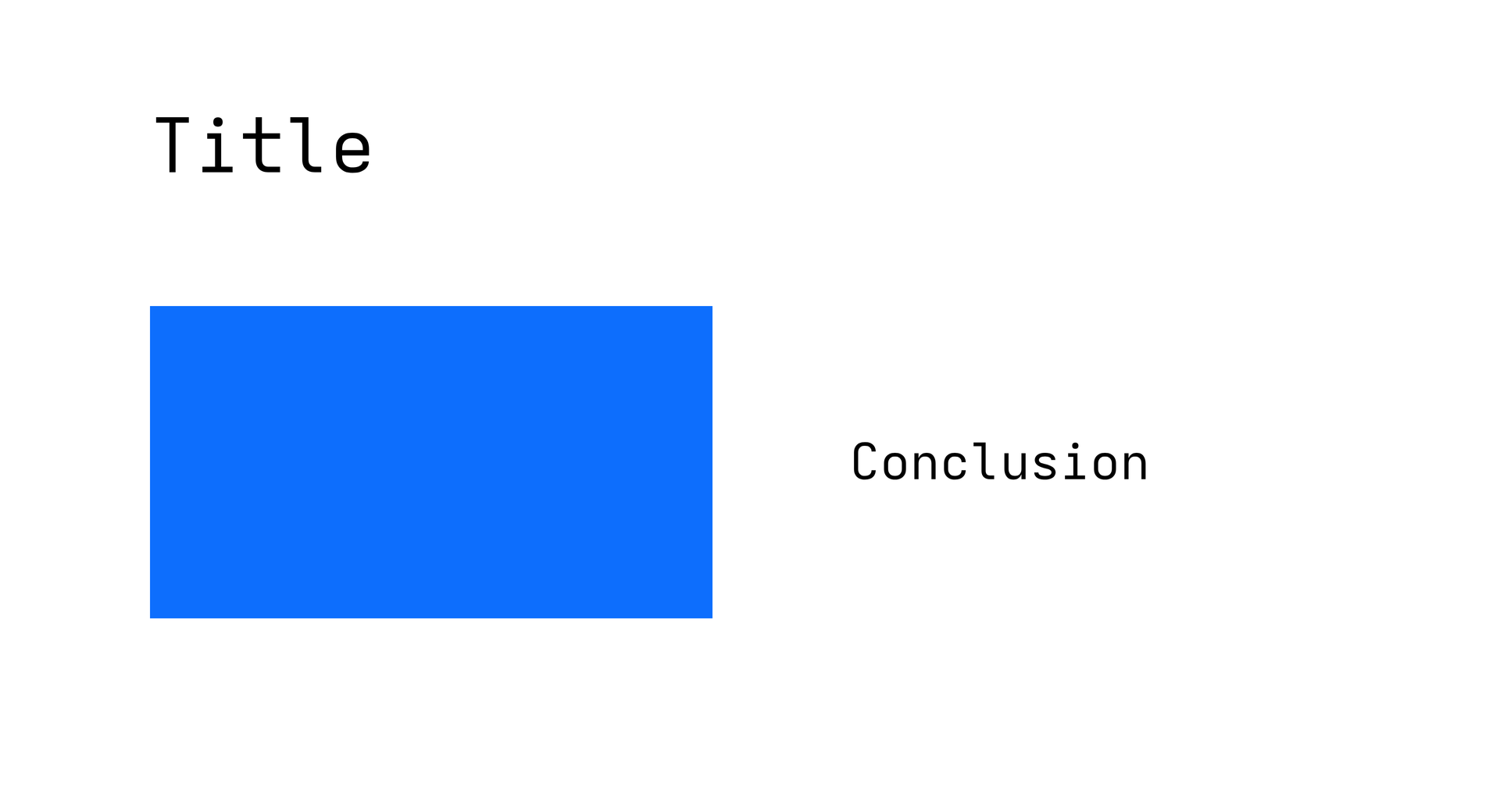
page = canvas(size=(120mm,65mm), stylesheet="@laymesh/animate.css", background="#ffffff")title = page.add(text("Title", font_size=6mm), target=page.top_left, offset=(12mm,8mm))chart = page.add(rect(size=(45mm,25mm), fill="#0d6efd"), target=title.bottom_left, offset=(0mm,9mm))note = page.add(text("Conclusion", font_size=4mm), target=chart.middle_right, anchor=middle_left, offset=(11mm,0mm))first = page.step(name="Title and chart", hold=500ms)first.animate(title, class="animate__animated animate__fadeInUp", duration=600ms)first.animate(chart, name="laymesh-reveal", duration=800ms, fill="both", start="with-previous")first.animate(note, class="animate__animated animate__fadeIn", duration=400ms, start="after-previous", delay=200ms)second = page.step(name="Emphasis", start="after-previous", hold=1s)second.animate(title, class="animate__animated animate__pulse", duration=800ms)Preview
Dependencies
examples/animation/timing.lay
| Interval | Action |
|---|---|
| 0–0.6s | Title entrance |
| 0–0.8s | Chart reveal starts with previous action |
| 1.0–1.4s | Conclusion follows chart, with 0.2s delay |
| 1.4–1.9s | First window ends, then 0.5s hold |
| From 1.9s | Second step starts automatically |
with-previous references the preceding animate() call's earliest actual start; after-previous references its latest ending. A CSS animation list is considered as a whole. With no previous call, use the step start. delay is relative to the chosen origin; negative delay begins partway through.
Infinite/permanently paused actions have no ending for a same-step after-previous link. Put them in a separate step with finite duration, then follow with an automatic step. A window limits the step without changing CSS iteration count.
Manual, automatic and skip#
Manual mode waits after an ordinary step, while a following after-previous step starts after hold. Skipping a running step holds; seeking and backtracking remain paused. Mark all steps after-previous for automatic within-page playback. Presentation Auto controls cross-page advancement.
Global Auto and MP4/GIF export use a continuous timeline including hold, without waiting for clicks. Fill determines the sampled state outside active intervals; see Keyframes.