 LayMesh
Animation manual#
Start with style and animation libraries: learn bundled libraries, sources and imports, then explore entries, parameters and composition. One .lay file is enough to begin.
Animation attaches to completed static layout. Run the first animation, then learn timing, keyframes, effects and presentation.
This manual describes current source. New offline style libraries and diagnostics require an engine build containing those changes; release notes describe published packages.
Learning path#
- Your first animation
- Steps and action parameters
- Custom keyframes
- All 97 effects
- Draw and reveal
- Presentation and multiple pages
- Export, compatibility and troubleshooting
Complete projects#
Combine libraries and motion in three worked projects: styled cards, artistic poster, and the recovered complex dashboard. Each includes editable source, themes and real playback.
Complete runnable example#
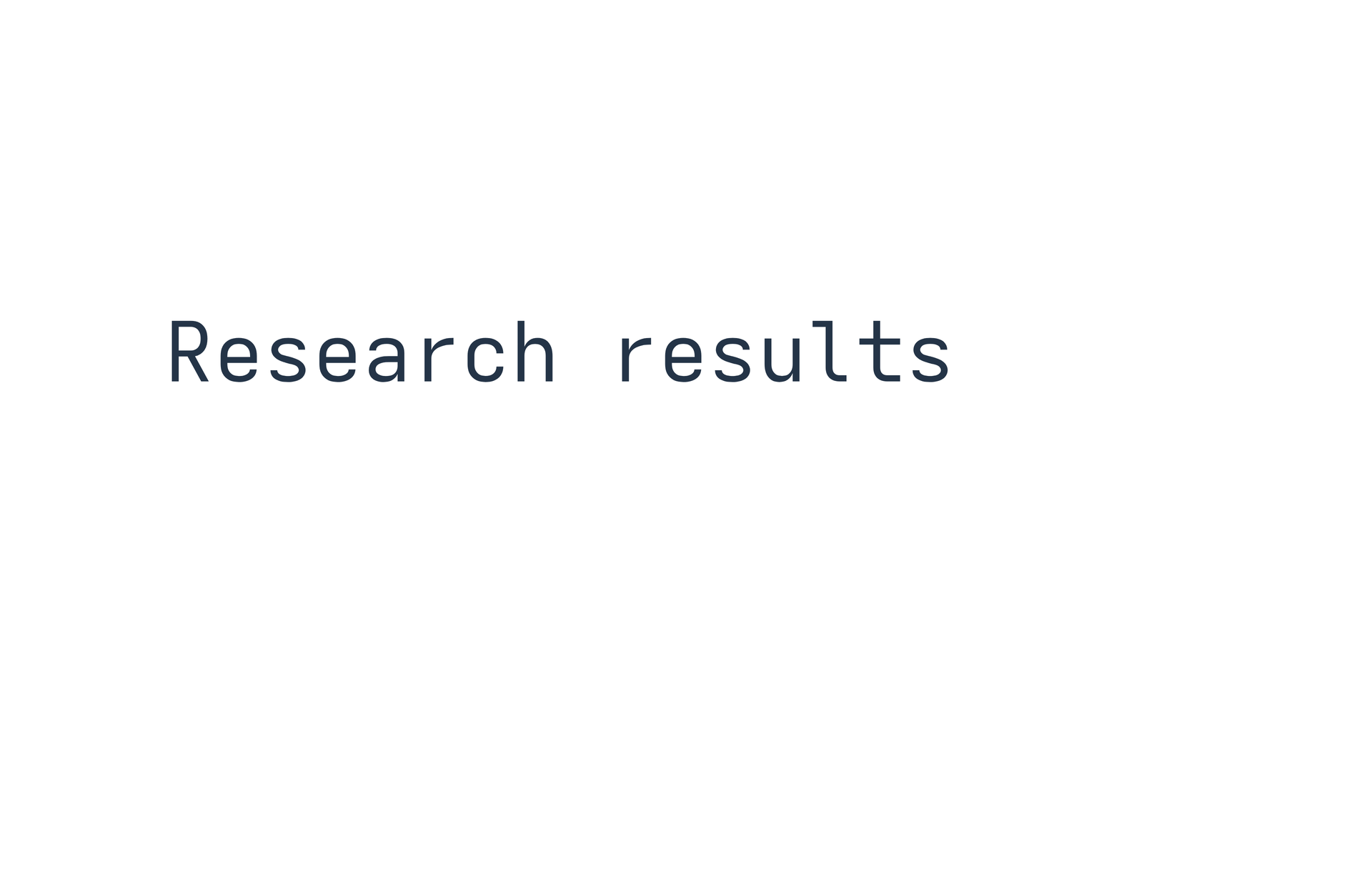
page = canvas(size=(100mm,65mm), stylesheet="@laymesh/animate.css", background="#ffffff")title = page.add(text("Research results", font_size=6mm, color="#243447"), target=page.top_left, offset=(12mm,22mm))intro = page.step(name="Title entrance", hold=1s)intro.animate(title, class="animate__animated animate__fadeInUp")Preview
Dependencies
examples/animation/first.lay
Common questions#
Explicitly import Animate.css and use both base and effect classes. Presentation waits for the first click by default; start="after-previous" begins on entry. See First animation.