 LayMesh
Your first animation#
Start with style and animation libraries: learn bundled libraries, sources and imports, then explore entries, parameters and composition. One .lay file is enough to begin.
Animation manual · Next: Steps and actions
Start with a static page#
Animation attaches to completed layout. Default preview and ordinary exports show the full static page. Define material, place it with add(), save the returned instance, then pass that instance to animate(). Unplaced text(...) or rect(...) is not an animation target.
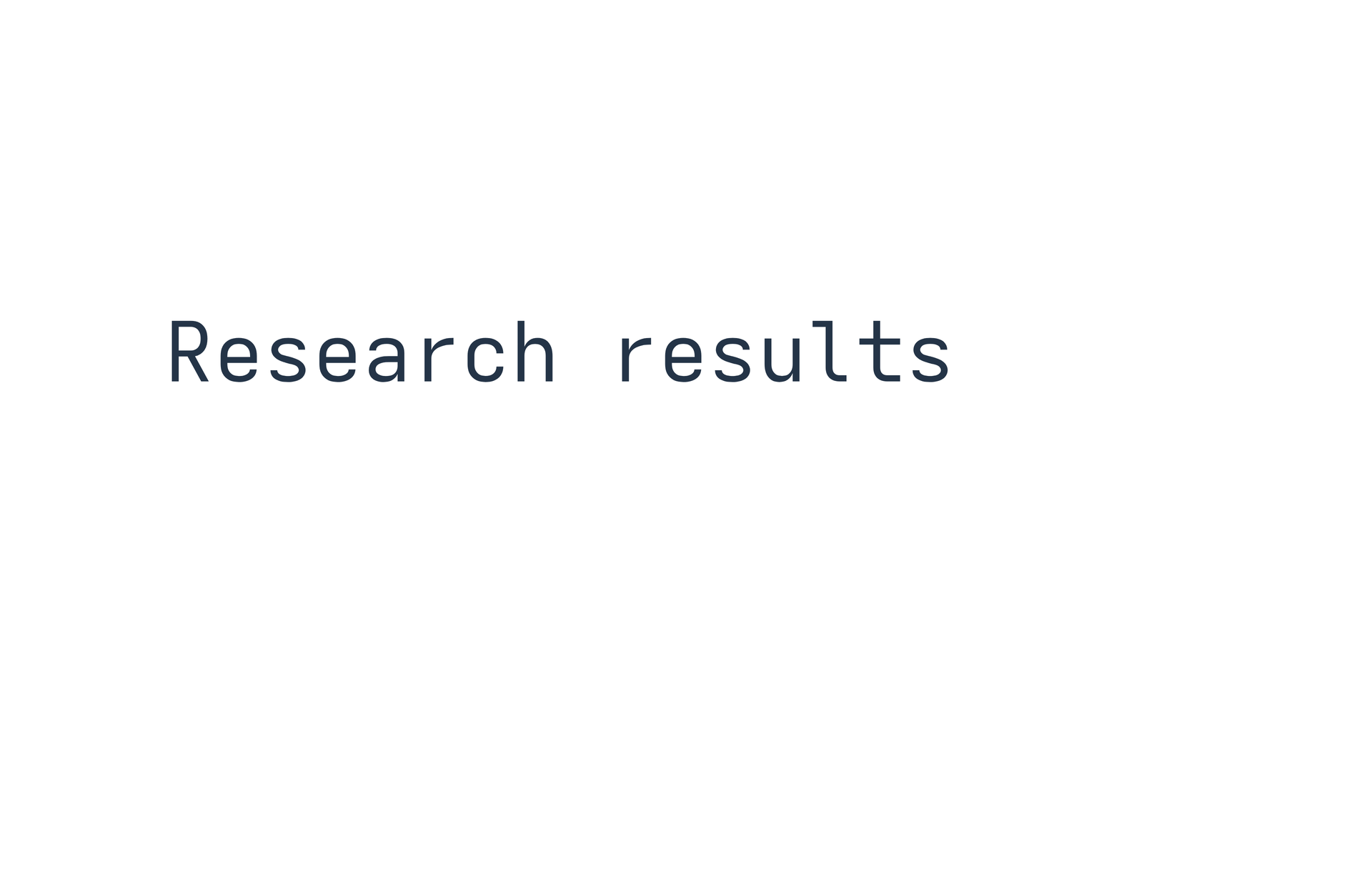
page = canvas(size=(100mm,65mm), stylesheet="@laymesh/animate.css", background="#ffffff")title = page.add(text("Research results", font_size=6mm, color="#243447"), target=page.top_left, offset=(12mm,22mm))intro = page.step(name="Title entrance", hold=1s)intro.animate(title, class="animate__animated animate__fadeInUp")Preview
Dependencies
examples/animation/first.lay
The complete source imports Animate.css, places a title, creates a named step and assigns fadeInUp. Classes on animate() are temporary action classes, not permanent edits to material appearance.
Base and effect classes#
Use animate__animated together with the effect class. The base class supplies duration and fill; the effect selects keyframes. animate__fadeInUp alone can still have CSS's initial 0s duration.
Bootstrap and Open Props do not define these Animate.css classes. Open Props supplies its own animation variables and keyframes; see the library guide. An offline embedded file still requires an explicit stylesheet or @import:
/* motion.lcss */@import "@laymesh/animate.css";.title-motion { --animate-duration:800ms; }Load motion.lcss on the canvas, give the object title-motion, and pass class="animate__animated animate__fadeInUp" to the action.
Starting playback#
step defaults to start="click". After entering presentation, click the canvas, press Space or Right to execute the first step. Entering presentation alone does not start a click-triggered step. Advancing while it plays completes the step and holds.
For entry-triggered animation:
s = page.step(name="Entrance",start="after-previous",hold=1s)s.animate(title,class="animate__animated animate__fadeInUp")Append this fragment after defining the page and title. Preview Play/Replay runs the timeline directly; Presentation uses presentation step triggers.
Overriding duration#
A theme .custom { animation-duration:2s; } can override the library's ordinary 1s default. Use class="animate__animated animate__fadeInUp custom". Explicit duration=3s takes priority over CSS, including important declarations.
See the shared cascade, 97-effect catalog and step scheduling.
If nothing moves#
Check import, spelling, base class, effective duration, placed target and whether a click is still required. W_ANIMATION points out missing definitions/duration. System reduced-motion preferences can shorten effects. Explicit none, 0s and media disabling are valid.