 LayMesh
Transforms and drawing order#
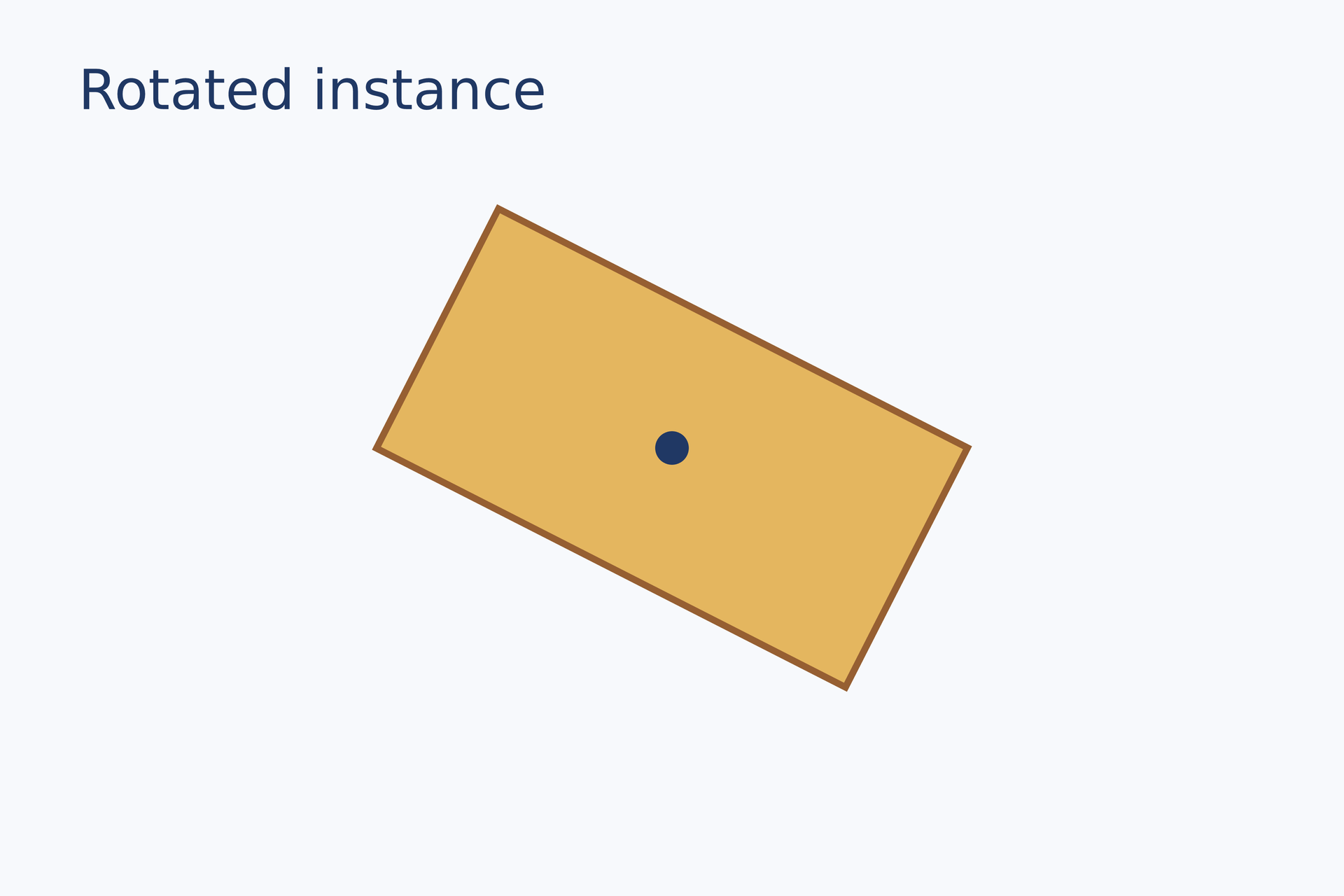
tile = rect(size=(47 mm, 24 mm), fill="#e4b65f", border_color="#965f32", border_width=0.6 mm)page.add(tile, anchor=center, target=page.center, rotation=27 deg)marker = ellipse(size=(3 mm, 3 mm), fill="#203864")page.add(marker, anchor=center, target=page.center)# Gallery: positioning / rotationpage = canvas(name="Rotated instance", size=(120 mm, 80 mm), background="#f7f9fc")font = "DejaVu Sans"heading = text(content="Rotated instance", font_family=font, font_size=14 pt, color="#203864")page.add(heading, target=page.top_left, offset=(7 mm, 5 mm))# BEGIN DEMOtile = rect(size=(47 mm, 24 mm), fill="#e4b65f", border_color="#965f32", border_width=0.6 mm)page.add(tile, anchor=center, target=page.center, rotation=27 deg)marker = ellipse(size=(3 mm, 3 mm), fill="#203864")page.add(marker, anchor=center, target=page.center)# END DEMOPreview
Dependencies
examples/gallery/positioning/rotation.lay
Parameters#
| Parameter | Purpose | Default or requirement |
|---|---|---|
rotation |
Rotation angle | 0 |
opacity |
Opacity | 1 |
Common usage#
The canvas and layout use physical dimensions: mm, cm, in, pt, or px. Layout px is converted using canvas(layout_dpi=96) by default. Export --dpi changes raster pixel dimensions. For example, 160 × 100 mm at 300 DPI gives about 1890 × 1181 px, with the same SVG/PDF page geometry.
On placement, anchor belongs to the new instance, target belongs to the canvas, current group, or an earlier instance, and offset shifts the alignment point:
The nine anchors are top_left, top_center, top_right, middle_left, center, middle_right, bottom_left, bottom_center, and bottom_right. Relative targets must already exist in the same coordinate space. Later add calls paint over earlier ones. Each placement may set rotation and opacity; image placements can also override width, height, fit, and crop independently.
Limits and related topics#
Units and dimensions · Placement and anchors · Groups and reuse
workflow#
Complete sources and executable verification fixtures for this workflow are listed in the feature coverage map. Follow this page’s input conditions and limits when composing features.