 LayMesh
Animate.css: base class, utilities and effects#
What it is and where it comes from#
Animate.css is an open-source CSS animation library, pinned to 4.1.1 under MIT. Its classes and keyframes define entrances, exits and emphasis; Lay sets object dimensions and placement.
Your first complete animation#
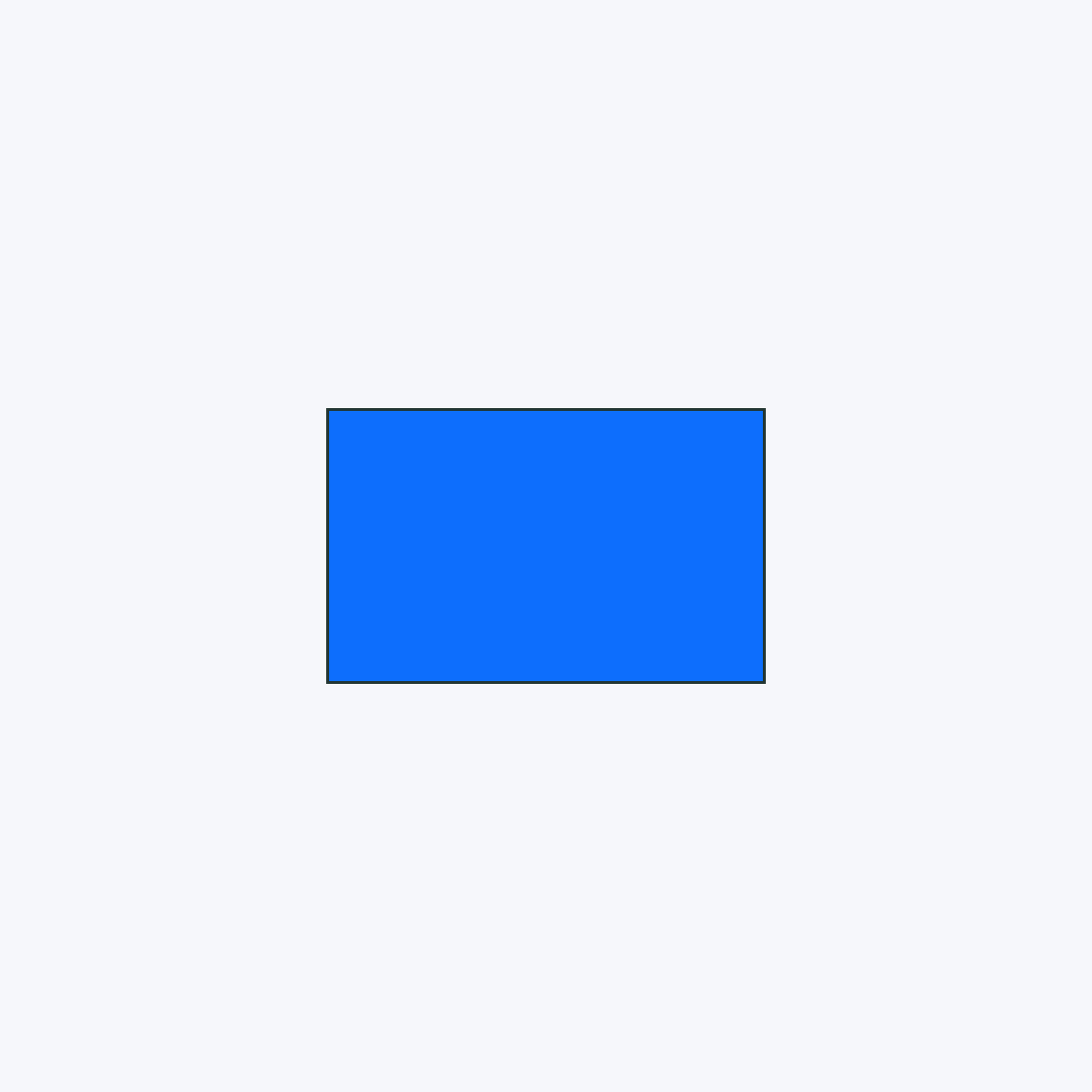
page=canvas(size=(100mm,65mm),stylesheet="@laymesh/animate.css",background="#f6f7fb")card=page.add(rect(size=(40mm,25mm),fill="#0d6efd",border_radius=2mm),anchor=center,target=page.center)s=page.step(name="Entrance",start="after-previous",hold=1s)s.animate(card,class="animate__animated animate__fadeInUp",duration=800ms)Import, place an instance, create a step and schedule an action. animate__animated supplies base timing and fill; the effect class selects keyframes. Step start controls whether presentation waits for input.
From effects to parameters#
- Choose an entrance, exit or emphasis in the 97-effect catalog.
- Set action parameters such as
duration=800msanddelay=200ms; explicit arguments override CSS. animate__fast/faster/slow/sloweradjust speed;animate__delay-1sthroughdelay-5sdelay;animate__repeat-1/2/3andanimate__infiniterepeat.--animate-duration,--animate-delayand--animate-repeatsupport shared settings and action variables. Remove explicit overrides when testing utilities.- Infinite motion needs a finite step window. Print and reduced-motion branches have separate rules; see export and troubleshooting.
Complete class, variable and keyframe catalog#
The existing 97-effect guide retains its descriptions and shared player. This catalog also covers base classes, utilities, variables and keyframes with individual recipes.
Catalog recipes give rect a low-specificity color and border so corners, opacity and motion are visible. Class declarations and variable consumers still cascade normally.
Adjust a property using project units
Edit the full source too. Selecting an entry loads its original recipe; Restore clears edits. Seek animation time under More → Playback controls.
page=canvas(size=(100mm,100mm),stylesheet="@laymesh/animate.css",background="#f6f7fb")style {rect {background-color:#0d6efd;border:1px solid #20332f}text {background-color:#e9ecef;color:#212529;border:1px solid #adb5bd} }item=page.add(rect(size=(40mm,25mm),class="animate__animated animate__fadeInUp"),anchor=center,target=page.center)s=page.step(name="Preview",start="after-previous",hold=0s)s.animate(item)Preview
Dependencies
examples/libraries/catalog-animate.lay