 LayMesh
Variables and expressions#
Purpose and concepts#
Variables hold numbers, strings, lists, material and instances. Fixed options have predefined string variables: round and "round" are identical values without a declaration. These are not macros and have no special expansion or assignment rules.
Minimal complete example#
Run this file directly with laymesh validate or laymesh render; it contains its own canvas and required definitions.
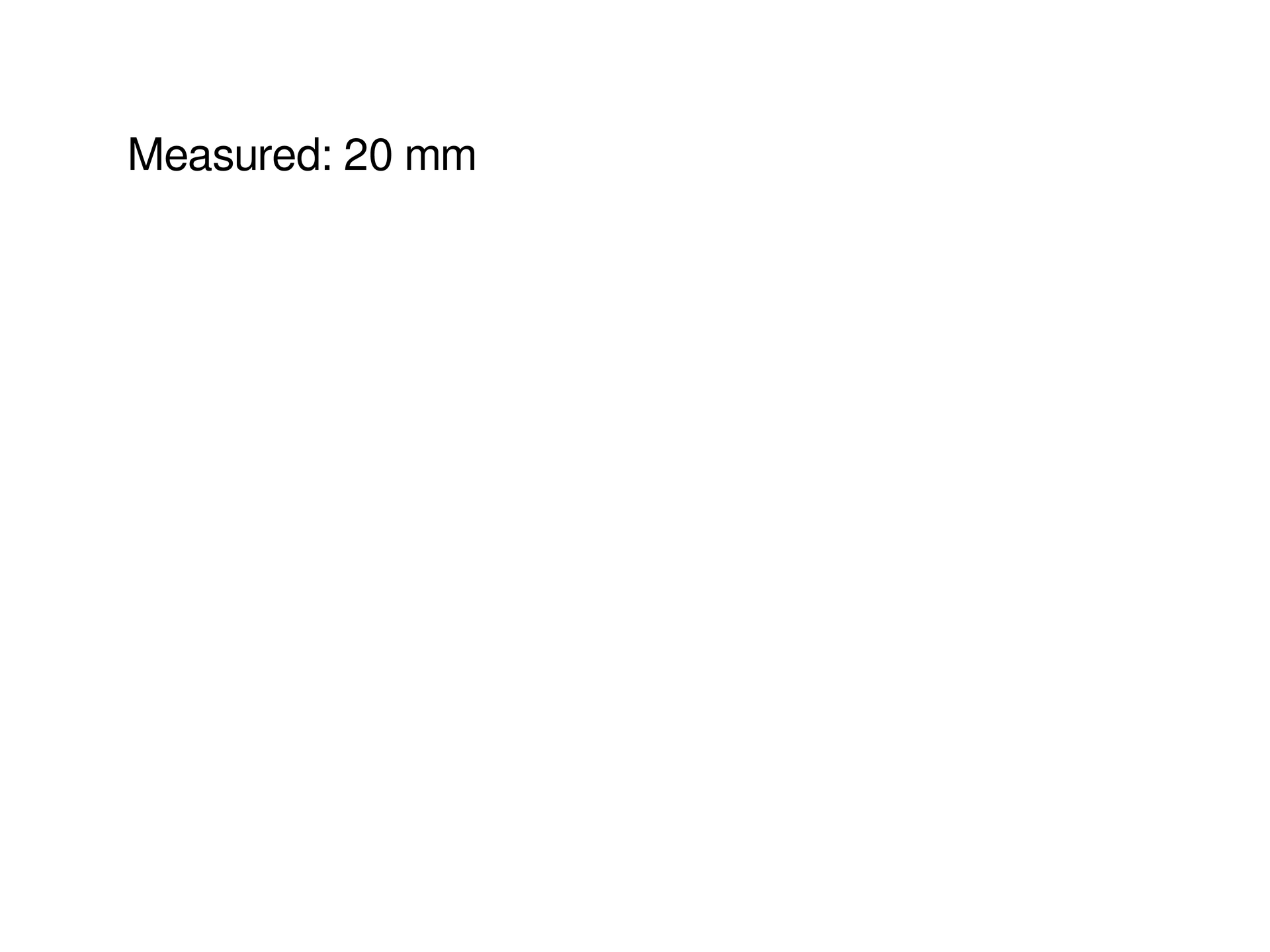
# Minimal complete example: strpage=canvas(size=(100mm,75mm),background="#ffffff")page.add(text("Measured: "+str(20mm)),offset=(10mm,10mm))# Minimal complete example: strpage=canvas(size=(100mm,75mm),background="#ffffff")page.add(text("Measured: "+str(20mm)),offset=(10mm,10mm))Preview
Dependencies
examples/manual/str.lay
Parameters and default behavior#
Unitless geometry uses the canvas unit; unitless type and stroke sizes use pt. Explicit call parameters override inherited/theme defaults. The linked interface reference lists accepted types, choices and defaults per parameter.
Composition#
Put [triangle,open,dot] in a list and loop over heads, or use round as a function default. User scope takes priority, so round="square" changes that scope’s value. ratex_katex represents "ratex-katex".
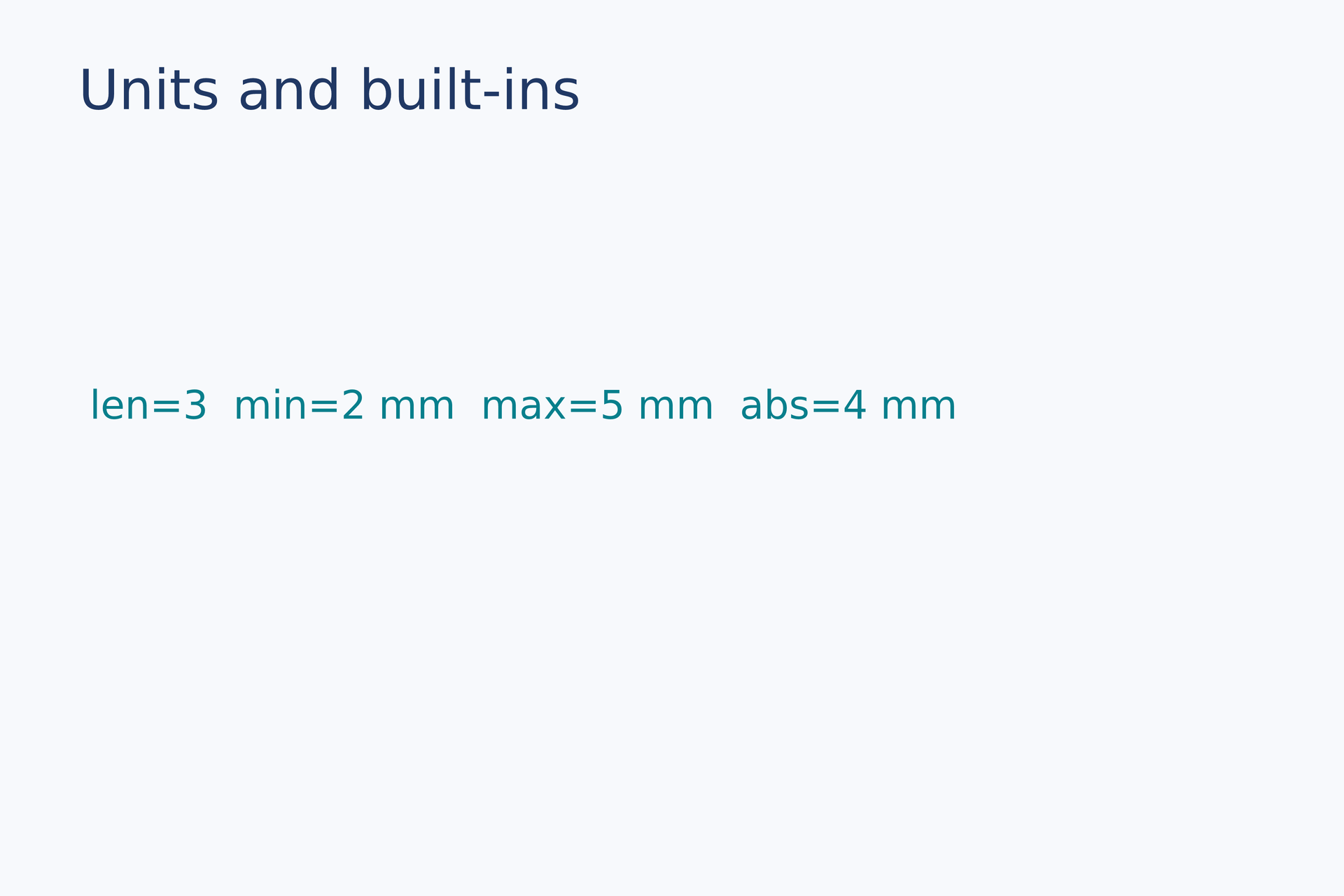
values = append([2, 4], 6)count = len(values)low = min(2 mm, 5 mm, 3 mm)high = max(2 mm, 5 mm, 3 mm)distance = abs(-4 mm)label = text(content="len=" + str(count) + " min=" + str(low) + " max=" + str(high) + " abs=" + str(distance), font_family=font, font_size=10 pt, color="#087f8c")page.add(label, target=page.top_left, offset=(8 mm, 34 mm))# Gallery: scripting / units-builtinspage = canvas(name="Units and built-ins", size=(120 mm, 80 mm), background="#f7f9fc")font = "DejaVu Sans"heading = text(content="Units and built-ins", font_family=font, font_size=14 pt, color="#203864")page.add(heading, target=page.top_left, offset=(7 mm, 5 mm))# BEGIN DEMOvalues = append([2, 4], 6)count = len(values)low = min(2 mm, 5 mm, 3 mm)high = max(2 mm, 5 mm, 3 mm)distance = abs(-4 mm)label = text(content="len=" + str(count) + " min=" + str(low) + " max=" + str(high) + " abs=" + str(distance), font_family=font, font_size=10 pt, color="#087f8c")page.add(label, target=page.top_left, offset=(8 mm, 34 mm))# END DEMOPreview
Dependencies
examples/gallery/scripting/units-builtins.lay
Common errors and limits#
String spellings remain legal without deprecation warnings. Unknown names still report E_NAME. Hovering an option variable shows only type and value; parameter documentation explains accepted values and their meaning.
Individual functions#
range#
Return a finite integer list excluding stop: one argument is stop, two are start/stop and three add step. step must be nonzero; at most 10,000 items.
Returns: integer[]
Minimal complete source · Composition source · All parameters
len#
Return list, dictionary or geometry collection size, or string length.
Returns: integer
Minimal complete source · Composition source · All parameters
append#
Return a copy of a list with one item appended, without mutating the input. Reassign the result when accumulating values.
Returns: list
Minimal complete source · Composition source · All parameters
str#
Convert supported numeric/boolean/string values to text, retaining length units. Use it in labels without evaluating arbitrary formatting expressions.
Returns: string
Minimal complete source · Composition source · All parameters
abs#
Return absolute value while retaining numeric unit type. Accepts scalars or lengths, not material or lists.
Returns: number | length
Minimal complete source · Composition source · All parameters
min#
Return the minimum of one or more values with compatible units. Input types must be compatible; the result retains units.
Returns: number | length
Minimal complete source · Composition source · All parameters
max#
Return the maximum of one or more values with compatible units. Input types must be compatible; the result retains units.
Returns: number | length
Minimal complete source · Composition source · All parameters
dict#
Create an empty dictionary or load an ordered nested JSON object; table validation remains strict.
Returns: dict
Minimal complete source · Composition source · All parameters
dict-keys#
Return dictionary keys as a list in insertion order.
Returns: list
Minimal complete source · Composition source · All parameters
dict-values#
Return values in insertion order, preserving units and object types.
Returns: list
Minimal complete source · Composition source · All parameters
dict-items#
Return key/value pairs in insertion order for loop unpacking.
Returns: list
Minimal complete source · Composition source · All parameters
dict-get#
Look up a string key; return default when missing, or null by default.
Returns: value
Required inputs: key.
Minimal complete source · Composition source · All parameters
dict-update#
Return a merged dictionary; existing keys keep their position and new keys append. The original remains unchanged.
Returns: dict
Required inputs: other.
Minimal complete source · Composition source · All parameters
Detailed behavior and further examples#
Parameters#
| Parameter | Purpose | Default or requirement |
|---|---|---|
mm / cm / in / pt / px |
Length units | Lengths require units |
range(...) |
Generate loop sequences | Bounded evaluation |
Common usage#
Variables store values or material definitions. Lengths require units. Lists, tuples, indexing and built-in operations run inside the restricted DSL, not arbitrary Python or JavaScript.
Limits and related topics#
Conditions and loops · Functions and modules
workflow#
Complete sources and executable verification fixtures for this workflow are listed in the feature coverage map. Follow this page’s input conditions and limits when composing features.
Equivalent strings and local override#
Runnable comparison draws identical heads from triangle and "triangle", then uses a user round="square" binding. Lists, equality and scope all use ordinary string rules.
Ordered dictionaries and iteration#
Use string keys in { "B": value, "A": other }; expressions may produce keys and values may retain lengths, colors, materials or geometry selectors. Dictionaries preserve insertion order. Duplicate keys replace their value without moving the key. d["key"] raises E_INDEX for a missing key; d.get("key", default=null) returns a fallback. len(d), .keys(), .values() and .items() work with user dictionaries and table columns.
Assignment copies dictionaries: changing b after b=a does not change a. Nested dictionary writes such as d["panel"]["color"]="#0072b2" rebuild and rebind the root value; intermediate keys must exist, and imported bindings stay read-only. .update(other) returns a new merged dictionary: use d=d.update(other). Objects held in dictionaries retain their existing handle behavior. Attribute access is reserved for methods; use indexing for keys such as "items".
dict() creates an empty dictionary; dict(src="config.json") loads nested JSON objects, retaining object order and validating finite, safely representable numbers. This does not turn table or array into permissive loaders.