 LayMesh
Units and sizes#
Purpose and concepts#
Unitless geometry uses canvas.unit, initially mm; unitless font sizes and stroke widths use pt. Explicit units are easiest to read and reproduce across themes. Layout px uses layout_dpi; Raster output DPI determines final pixel count.
Minimal complete example#
Run this file directly with laymesh validate or laymesh render; it contains its own canvas and required definitions.
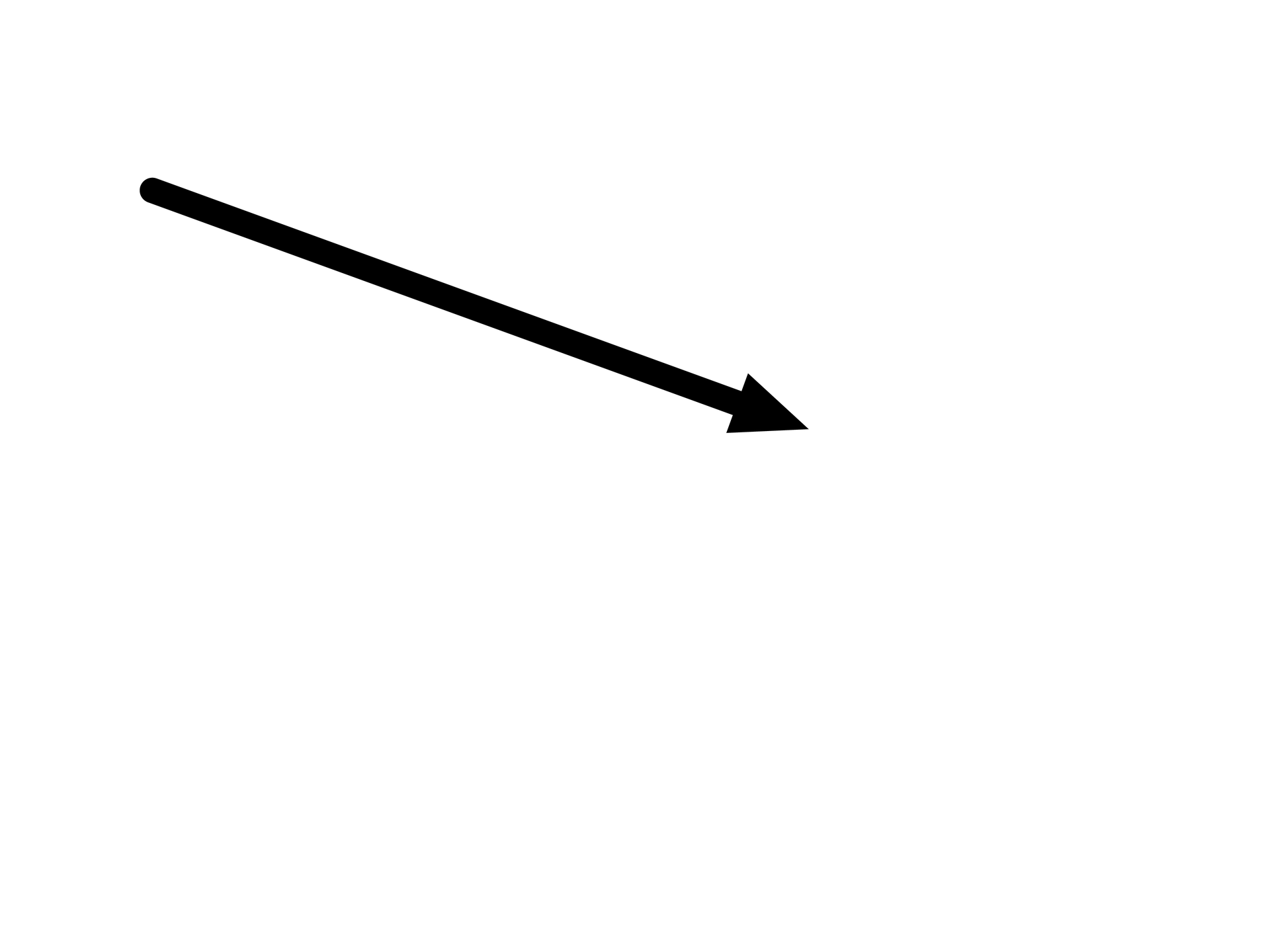
# Minimal complete example: linepage=canvas(size=(100mm,75mm),background="#ffffff")page.add(line(length=55mm,angle=20deg,start_cap=round,end_head=head(shape=triangle,size=(6mm,5mm)),line_width=2mm),offset=(12mm,15mm))# Minimal complete example: linepage=canvas(size=(100mm,75mm),background="#ffffff")page.add(line(length=55mm,angle=20deg,start_cap=round,end_head=head(shape=triangle,size=(6mm,5mm)),line_width=2mm),offset=(12mm,15mm))Preview
Dependencies
examples/manual/line.lay
Parameters and default behavior#
Unitless geometry uses the canvas unit; unitless type and stroke sizes use pt. Explicit call parameters override inherited/theme defaults. The linked interface reference lists accepted types, choices and defaults per parameter.
Composition#
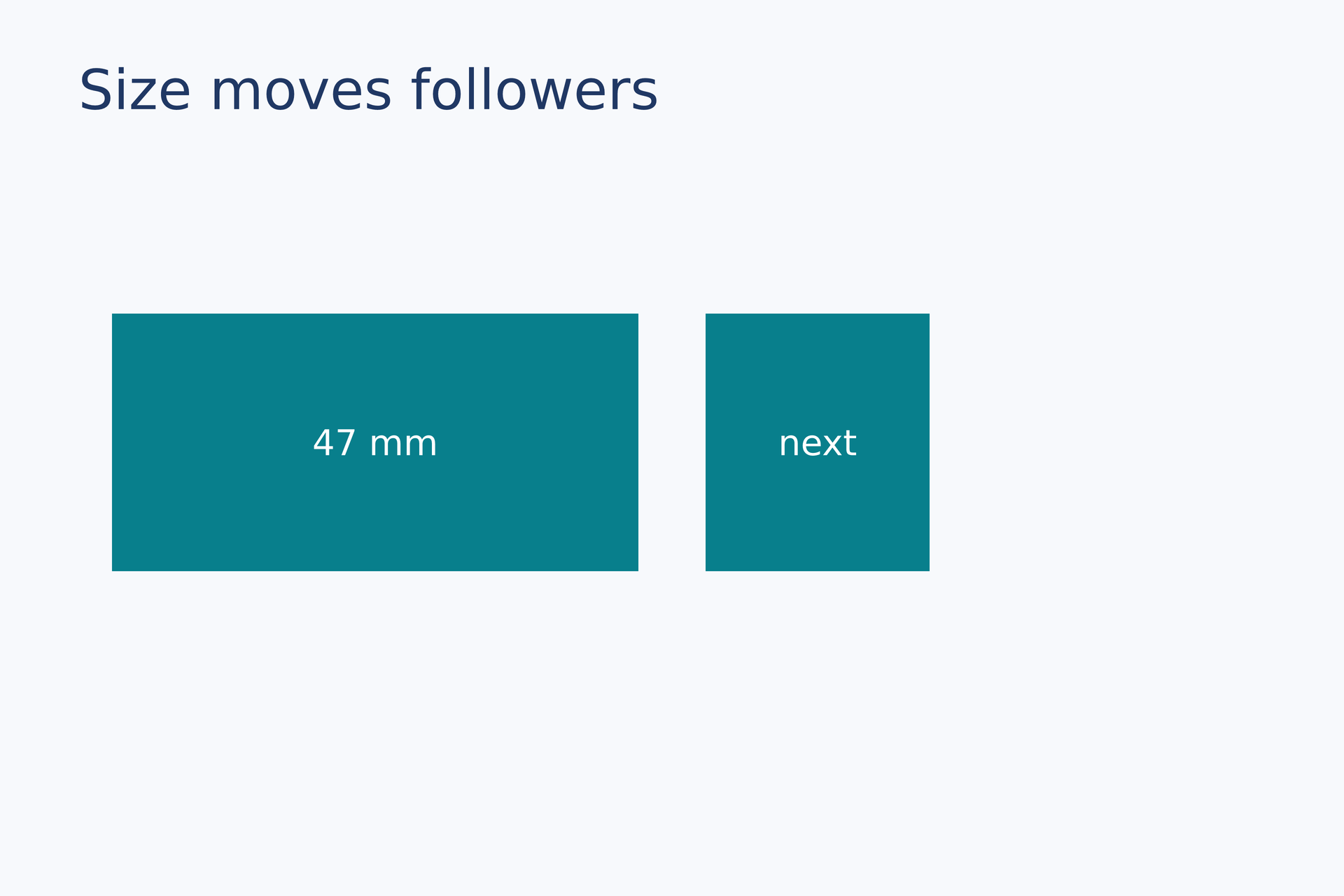
Multiplying a length by a scalar retains length; dividing compatible lengths yields a ratio. size=(40mm,auto) often preserves image aspect or natural text height; auto support depends on material.
box = rect(size=(20 mm, 23 mm), fill="#087f8c")first = page.add(box,size=(47 mm, auto), target=page.top_left, offset=(10 mm, 28 mm))follower = page.add(box, target=first.top_right, offset=(6 mm, 0 mm))page.add(text(content="47 mm", font_family=font, font_size=9 pt, color="#ffffff"), anchor=center, target=first.center)page.add(text(content="next", font_family=font, font_size=9 pt, color="#ffffff"), anchor=center, target=follower.center)# Gallery: positioning / dependent-sizepage = canvas(name="Size moves followers", size=(120 mm, 80 mm), background="#f7f9fc")font = "DejaVu Sans"heading = text(content="Size moves followers", font_family=font, font_size=14 pt, color="#203864")page.add(heading, target=page.top_left, offset=(7 mm, 5 mm))# BEGIN DEMObox = rect(size=(20 mm, 23 mm), fill="#087f8c")first = page.add(box,size=(47 mm, auto), target=page.top_left, offset=(10 mm, 28 mm))follower = page.add(box, target=first.top_right, offset=(6 mm, 0 mm))page.add(text(content="47 mm", font_family=font, font_size=9 pt, color="#ffffff"), anchor=center, target=first.center)page.add(text(content="next", font_family=font, font_size=9 pt, color="#ffffff"), anchor=center, target=follower.center)# END DEMOPreview
Dependencies
examples/gallery/positioning/dependent-size.lay
Common errors and limits#
Page dimensions must be positive and cannot use auto. Angles cannot be added to lengths. line(angle=...) accepts deg/rad or unitless degrees; polar data angles use angle_unit.
Individual functions#
Detailed behavior and further examples#
Physical lengths and scalars#
page = canvas(size=(150, 100), unit="mm")panel = rect(size=(40, 25), fill="#eef5f2", border_color="#245447", border_width=0.6)page.add(panel, offset=(2cm, 35))Sizes, positions, gaps, geometric radii and padding use the canvas unit. Bare font sizes, line heights, border widths, line widths and dash lengths use pt. Explicit units take precedence: 2cm, 2 cm, 2inch and 2in are supported. layout_dpi=96 controls conversion from px; PNG --dpi independently controls exported pixel density.
Data, opacity, ratios, counts and axis domains remain scalars. Bare numbers are converted only at physical parameter boundaries: 2mm + 3 is invalid, while 2mm + 3cm is valid.
Automatic dimensions#
For images, size=(80, auto) fixes the width and preserves the source aspect ratio. For text it sets a wrapping width and derives the height. page.add(plot, size=(120, 90)) lays out the plot again; a fixed plot area retains its physical size.
photo = image(src="sample.png")page.add(photo, size=(2inch, auto), offset=(2cm, 35))Instance .width and .height remain read-only measurements. Constructor and placement arguments width= and height= are removed.
Named regions#
Use plot_area=box(offset=(20, 10), size=(80, 55)). Image cropping uses crop=box(offset=(0.1, 0.1), size=(0.8, 0.8)); crop coordinates remain normalized scalars from 0 to 1.
All parameters · Math · LCSS
workflow#
Complete sources and executable verification fixtures for this workflow are listed in the feature coverage map. Follow this page’s input conditions and limits when composing features.