 LayMesh
步骤与动作参数#
step 的参数#
page.step() 按创建顺序增加步骤。同一步的动作默认并行,动作顺序只在指定衔接方式时影响起点。
| 参数 | 值与默认 | 用途 |
|---|---|---|
| name | 字符串,可省略 | 步骤名称 |
| duration | 有限时间,可省略 | 手动指定动画窗口;无限或永久暂停动画必须指定 |
| hold | 时间,默认 1s | 动作窗口结束后的停留 |
| start | click(默认)/ after-previous | 等待点击,或前一步停留结束后自动开始;第一步后者随页面开始 |
未提供 duration 时,窗口取所有有限动作的最晚结束时间,计入 delay、重复次数、媒体条件和单次覆盖。hold 是窗口结束后的停留,不是每个动作的时长。
animate 的参数#
s.animate(target,class="animate__animated animate__fadeInUp",duration=800ms)| 参数 | 值 | 未提供时 |
|---|---|---|
| target | add() 返回的实例 | 必需 |
| class | 空格分隔的临时类 | 使用目标的样式上下文 |
| name | @keyframes 名称或 none | 取 CSS animation-name |
| duration | 非负 s/ms | 取 CSS,初始 0s |
| delay | s/ms,可负 | 取 CSS,初始 0s |
| easing | linear、ease 系列、cubic-bezier、steps | 取 CSS,初始 ease |
| iterations | 非负数、小数或 infinite | 取 CSS,初始 1 |
| direction | normal/reverse/alternate/alternate-reverse | 取 CSS,初始 normal |
| fill | none/forwards/backwards/both | 取 CSS,初始 none;Animate.css 基础类为 both |
| vars | 自定义属性字典 | 取继承及主题变量 |
| play_state | running/paused | 取 CSS,初始 running |
| start | step/with-previous/after-previous | step |
所有显式动作参数优先于 CSS。vars 可用于本次动作的 --animate-duration 等变量。start 是 Lay 调度参数,与 CSS animation-delay、CSS steps() 不同。
并行与先后衔接#
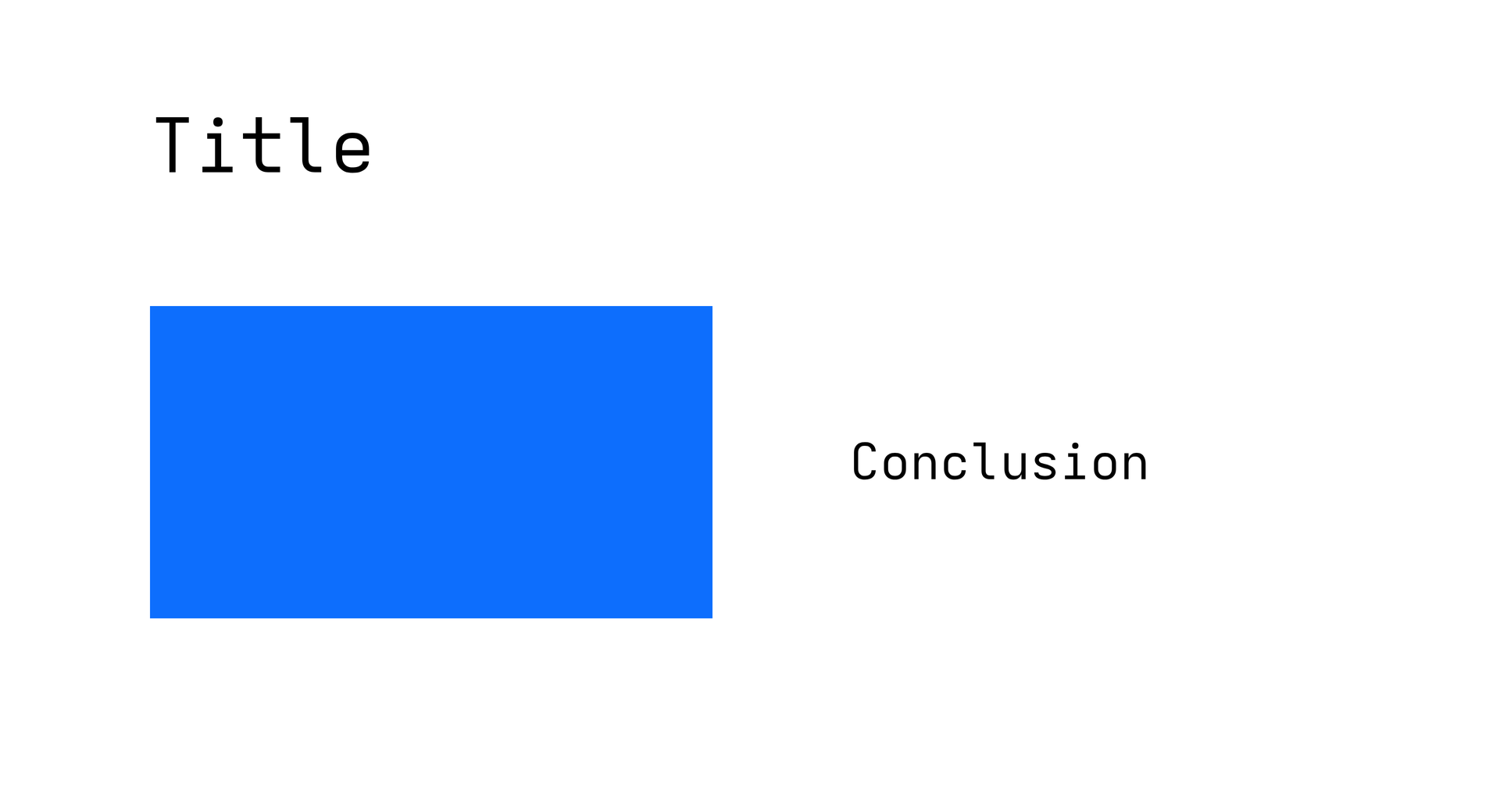
page = canvas(size=(120mm,65mm), stylesheet="@laymesh/animate.css", background="#ffffff")title = page.add(text("Title", font_size=6mm), target=page.top_left, offset=(12mm,8mm))chart = page.add(rect(size=(45mm,25mm), fill="#0d6efd"), target=title.bottom_left, offset=(0mm,9mm))note = page.add(text("Conclusion", font_size=4mm), target=chart.middle_right, anchor=middle_left, offset=(11mm,0mm))first = page.step(name="Title and chart", hold=500ms)first.animate(title, class="animate__animated animate__fadeInUp", duration=600ms)first.animate(chart, name="laymesh-reveal", duration=800ms, fill="both", start="with-previous")first.animate(note, class="animate__animated animate__fadeIn", duration=400ms, start="after-previous", delay=200ms)second = page.step(name="Emphasis", start="after-previous", hold=1s)second.animate(title, class="animate__animated animate__pulse", duration=800ms)预览
背景
正在准备动画…
依赖文件
examples/animation/timing.lay
| 时间段 | 示例行为 |
|---|---|
| 0–0.6s | 标题入场 |
| 0–0.8s | 图表与前一动作同时开始并揭示 |
| 1.0–1.4s | 结论在图表结束后延迟 0.2s 入场 |
| 1.4–1.9s | 第一窗口结束,停留 0.5s |
| 1.9s 起 | 第二步自动强调标题 |
with-previous 引用上一次 animate() 的最早实际开始时间;after-previous 引用它的最晚结束时间。该调用有多个 CSS 动画时,比较整个列表。第一项没有前项时,以步骤起点为基准。delay 相对于所选起点;负 delay 从动画中途开始。
无限或永久暂停动作没有可供衔接的结束时间,不能被同一步 after-previous 引用。把它放在指定有限 duration 的独立步骤,再接自动步骤。显式窗口决定步骤何时结束,不改变原 CSS 重复次数。
手动、自动与跳过#
手动模式的普通步骤结束后等待点击;紧接 after-previous 步骤则在 hold 后启动。点击跳过进行中的动画会停留,回退和定位保持暂停。全部步骤设置 after-previous 可自动执行页内动作;跨页自动推进由放映菜单的自动播放控制。
全局自动播放及 MP4/GIF 导出采用包含 hold 的连续时间线,不等待点击。动作的填充模式决定停留时保留哪个属性值,见关键帧。