 LayMesh
资源路径#
用途与概念#
资源路径相对于定义资源的文件,而不是运行命令时的工作目录。素材定义、模块、独立 LCSS 各保留自己的资源来源;CLI 使用入口路径组织这些依赖。
最小完整示例#
此文件包含画布及必要定义,可直接运行 laymesh validate 或 laymesh render,不依赖前文未声明的变量。
# Minimal complete example: imagepage=canvas(size=(100mm,75mm),background="#ffffff")page.add(image(src="../assets/photo.png"),size=(55mm,auto),offset=(8mm,8mm))# Minimal complete example: imagepage=canvas(size=(100mm,75mm),background="#ffffff")page.add(image(src="../assets/photo.png"),size=(55mm,auto),offset=(8mm,8mm))预览
背景

依赖文件
examples/assets/photo.pngexamples/manual/image.lay
参数与默认行为#
裸几何长度使用画布单位,裸字号和描边宽度使用 pt。显式调用参数优先于继承和主题默认值;下面的接口参考逐项列出允许类型、可选值与默认来源。
组合用法#
将图片、字体和组件放在作品旁,使用相对路径。Python save_source 把绑定数据和图像写进同名 .assets 目录;分享时保留源文件与资源的相对位置。
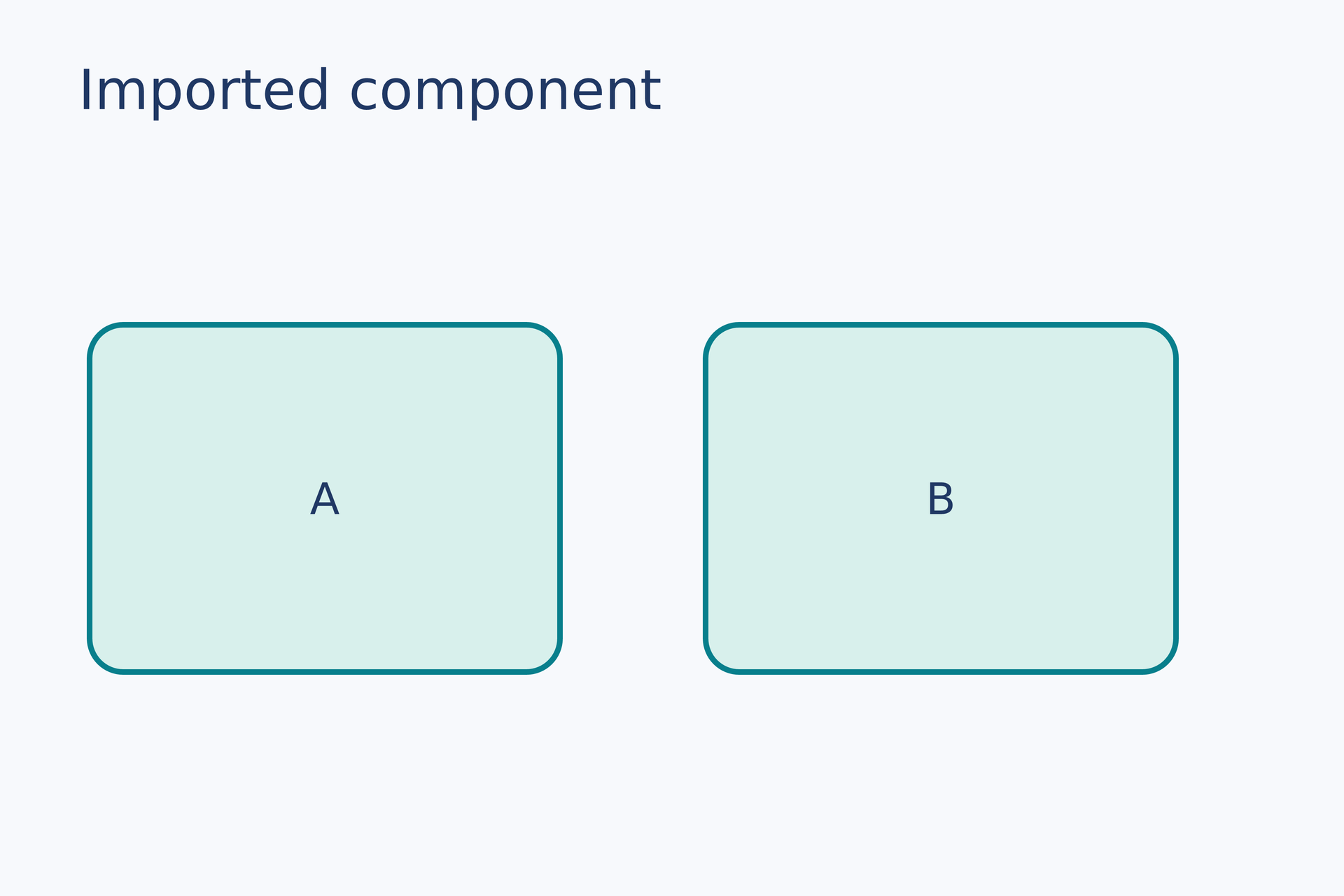
first = page.add(card("A"), target=page.top_left, offset=(8 mm, 29 mm))page.add(card("B"), target=first.top_right, offset=(13 mm, 0 mm))# Gallery: containers / module-importimport { card } from "./card-component.lay"page = canvas(name="Imported component", size=(120 mm, 80 mm), background="#f7f9fc")font = "DejaVu Sans"heading = text(content="Imported component", font_family=font, font_size=14 pt, color="#203864")page.add(heading, target=page.top_left, offset=(7 mm, 5 mm))# BEGIN DEMOfirst = page.add(card("A"), target=page.top_left, offset=(8 mm, 29 mm))page.add(card("B"), target=first.top_right, offset=(13 mm, 0 mm))# END DEMO## @lang zh-CN## 创建圆角卡片,并将标题放在中央。## @param {string} label - 标题文字;支持行内公式。## @returns {group} 可重复放置的卡片,宽 42mm、高 31mm。## @example## item = card("结果")## @lang en## Create a rounded card with a centered caption.## @param {string} label - Caption text; supports inline mathematics.## @returns {group} Reusable card material, 42mm wide and 31mm high.## @example## item = card("Result")export function card(label) { item = group() plate = item.add(rect(size=(42 mm, 31 mm), border_radius=3 mm, fill="#d8f0ec", border_color="#087f8c", border_width=0.5 mm), target=item.top_left) item.add(text(content=label, font_family="DejaVu Sans", font_size=11 pt, color="#203864"), anchor=center, target=plate.center) return item}预览
背景
依赖文件
examples/gallery/containers/card-component.layexamples/gallery/containers/module-import.lay
常见错误与限制#
WASM 的虚拟文件映射需要提供完整依赖;不能依靠浏览器任意读取本机文件。资源加载错误会带定义文件的位置,字体名称的解析依赖运行环境。
逐项功能说明#
详细行为与补充示例#
参数#
| 参数 | 用途 | 默认或要求 |
|---|---|---|
src |
图片或数据路径 | 相对定义文件 |
font_family |
字体名称或文件 | 可选;受系统字体影响 |
目录关系#
examples/├── assets/│ └── Custom.ttf└── plot/ ├── figure.lay └── results.csvfont_family="../assets/Custom.ttf" 从 plot/figure.lay 指向上一级的字体目录;table(src="results.csv") 指向同目录的数据。assets 可以改名,只要同步修改相对路径。组件内部的路径相对于组件文件,而不是入口文件。
若系统已安装 DejaVu Sans,可用 font_family="DejaVu Sans";上述路径用于用户提供的自定义字体。程序不携带正文字体,找不到字体时警告并画方框。