 LayMesh
Scripting and calculations#
Variables, units, functions, and control flow within the restricted .lay language.
Back to the gallery · Execution results
Expressions#
Units and built-ins#
Write the results of append, len, min, max, abs, and str directly onto the image.
values = append([2, 4], 6)count = len(values)low = min(2 mm, 5 mm, 3 mm)high = max(2 mm, 5 mm, 3 mm)distance = abs(-4 mm)label = text(content="len=" + str(count) + " min=" + str(low) + " max=" + str(high) + " abs=" + str(distance), font_family=font, font_size=10 pt, color="#087f8c")page.add(label, target=page.top_left, offset=(8 mm, 34 mm))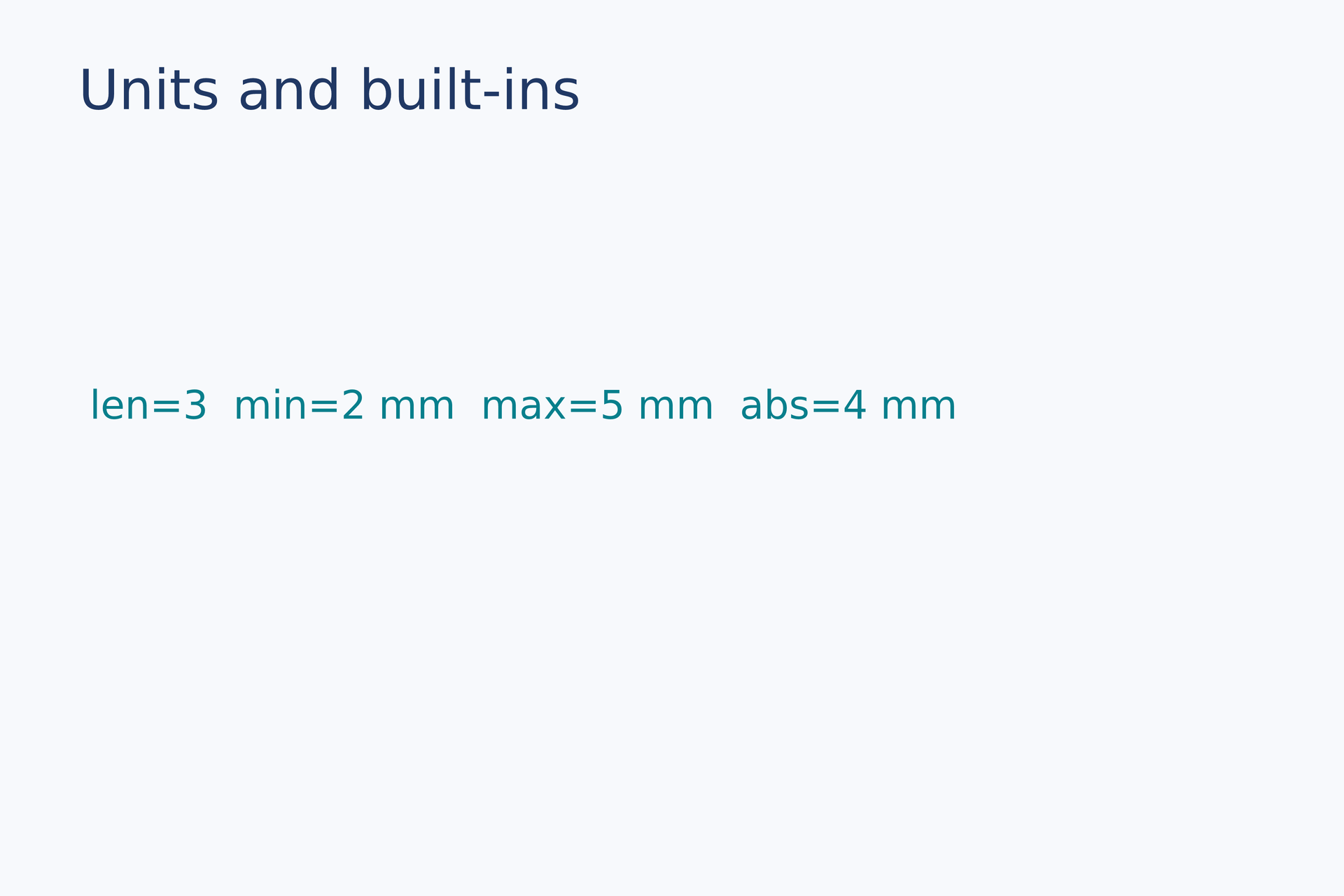
Source: units-builtins.lay.
Reproduce: laymesh validate examples/gallery/scripting/units-builtins.lay; laymesh render examples/gallery/scripting/units-builtins.lay -o units-builtins.png --dpi 150.
Observed CLI output: 有效:examples/gallery/scripting/units-builtins.lay(120 × 80 mm,2 个顶层实例); PNG 709 × 472 px at 150 DPI; warnings: none.
Control flow#
Functions and loops#
Combine a user function with for, while, and if to compute visible text.
function doubled(value, factor=2) { return value * factor }count = 0for index in range(3) { count = count + index }while count < 5 { count = count + 1 }status = "pending"if count == 5 { status = "ready" } else { status = "error" }label = text(content="count=" + str(count) + " gap=" + str(doubled(3 mm)) + " " + status, font_family=font, font_size=11 pt, color="#087f8c")page.add(label, target=page.top_left, offset=(10 mm, 34 mm))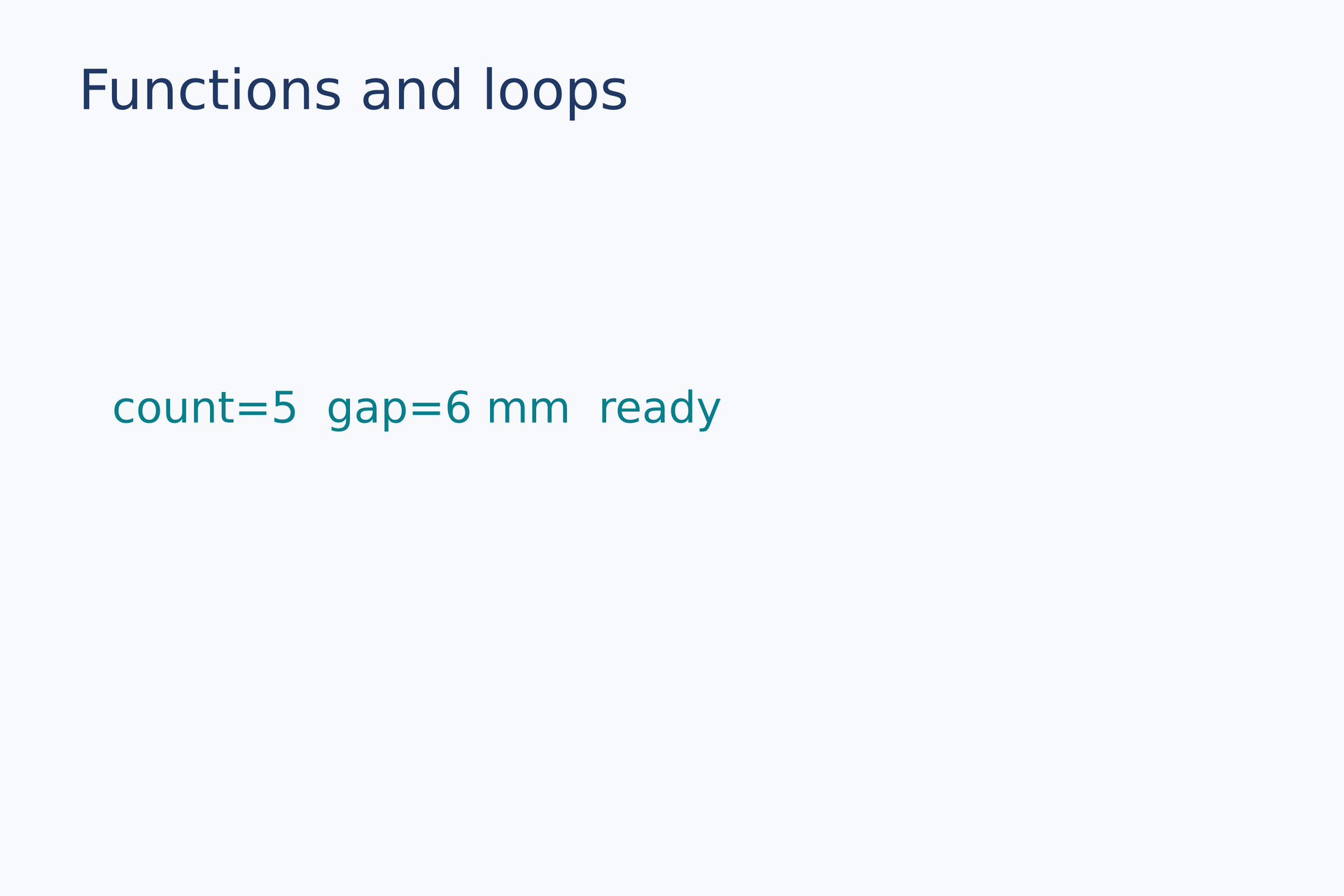
Source: control-flow.lay.
Reproduce: laymesh validate examples/gallery/scripting/control-flow.lay; laymesh render examples/gallery/scripting/control-flow.lay -o control-flow.png --dpi 150.
Observed CLI output: 有效:examples/gallery/scripting/control-flow.lay(120 × 80 mm,2 个顶层实例); PNG 709 × 472 px at 150 DPI; warnings: none.
Dictionaries and unpacked loops#
Cards follow insertion order and demonstrate independent copies, updates, key/value lists and nested unpacking.
# Insertion order controls the layout; assigning a dictionary copies its values.page=canvas(size=(150mm,90mm),background="#ffffff")labels=dict()labels["B"]="Baseline"labels["A"]="Annealed"copy=labelscopy["B"]="Changed copy"labels=labels.update({"C":"Cold worked"})keys=labels.keys()values=labels.values()items=labels.items()default=labels.get("missing","No data")colors=["#0072b2","#d55e00","#009e73"]for i,(key,value) in enumerate(items) { card=group() card.add(rect(size=(42mm,55mm),fill=colors[i])) card.add(text(content=key,font_family="DejaVu Sans",font_size=20pt,color="#ffffff"),offset=(5mm,7mm)) card.add(text(content=value,font_family="DejaVu Sans",font_size=8pt,color="#ffffff"),offset=(5mm,35mm)) page.add(card,offset=(5mm+i*48mm,10mm))}for i,(key,value) in enumerate(zip(keys,values)) { page.add(text(content=f"{i+1}. {key} = {value}",font_family="DejaVu Sans",font_size=8pt),offset=(5mm+i*48mm,72mm))}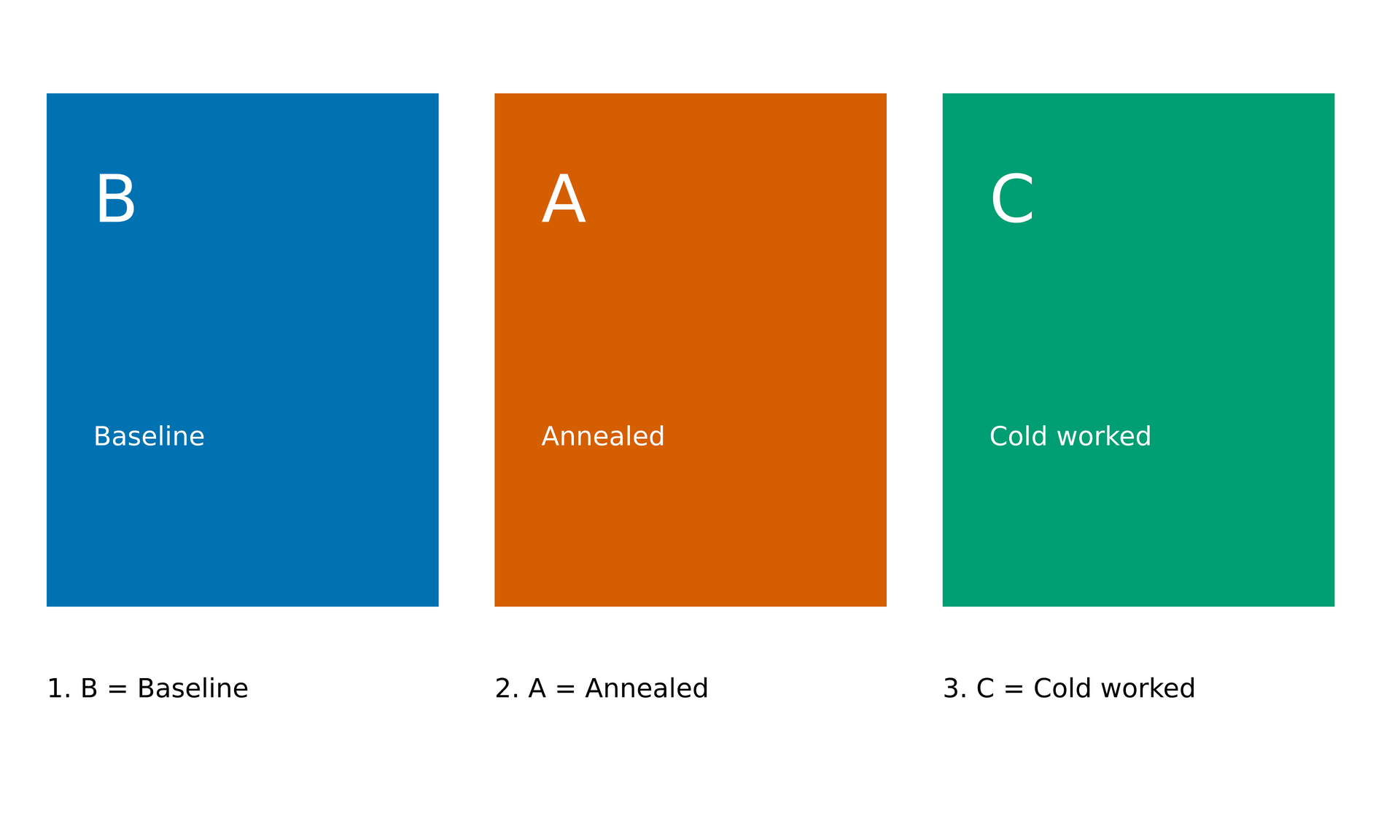
Source: dictionaries.lay.
Reproduce: laymesh validate examples/gallery/scripting/dictionaries.lay; laymesh render examples/gallery/scripting/dictionaries.lay -o dictionaries.png --dpi 150.
Observed CLI output: 有效:examples/gallery/scripting/dictionaries.lay(150 × 90 mm,6 个顶层实例); PNG 886 × 531 px, 150 DPI.