 LayMesh
Images and illustrations#
Input formats, reuse, independent crops, and fitting images into frames. All sample assets are generated in this repository.
Back to the gallery · Execution results
Input formats#
PNG bitmap#
Import a PNG at a specified physical width while preserving the complete image on the page.
picture = image(src="../assets/sample.png")placed = page.add(picture,size=(76 mm, auto), target=page.top_left, offset=(7 mm, 24 mm))frame = rect(size=(76 mm, 47.5 mm), fill="none", border_color="#435b72", border_width=0.35 mm)page.add(frame, target=placed.top_left)
Source: png.lay.
Reproduce: laymesh validate examples/gallery/images/png.lay; laymesh render examples/gallery/images/png.lay -o png.png --dpi 150.
Observed CLI output: 有效:examples/gallery/images/png.lay(120 × 80 mm,3 个顶层实例); PNG 709 × 472 px at 150 DPI; warnings: none.
JPEG bitmap#
Place a JPEG in the same layout to inspect the rendered appearance of a lossy image.
picture = image(src="../assets/sample.jpg")placed = page.add(picture,size=(76 mm, auto), target=page.top_left, offset=(7 mm, 24 mm))frame = rect(size=(76 mm, 47.5 mm), fill="none", border_color="#435b72", border_width=0.35 mm)page.add(frame, target=placed.top_left)
Source: jpeg.lay.
Reproduce: laymesh validate examples/gallery/images/jpeg.lay; laymesh render examples/gallery/images/jpeg.lay -o jpeg.png --dpi 150.
Observed CLI output: 有效:examples/gallery/images/jpeg.lay(120 × 80 mm,3 个顶层实例); PNG 709 × 472 px at 150 DPI; warnings: none.
SVG vector asset#
Import a safe subset of SVG. The artwork remains vector content in SVG and PDF exports.
picture = image(src="../assets/sample.svg")placed = page.add(picture,size=(76 mm, auto), target=page.top_left, offset=(7 mm, 24 mm))frame = rect(size=(76 mm, 47.5 mm), fill="none", border_color="#435b72", border_width=0.35 mm)page.add(frame, target=placed.top_left)
Source: svg.lay.
Reproduce: laymesh validate examples/gallery/images/svg.lay; laymesh render examples/gallery/images/svg.lay -o svg.png --dpi 150.
Observed CLI output: 有效:examples/gallery/images/svg.lay(120 × 80 mm,3 个顶层实例); PNG 709 × 472 px at 150 DPI; warnings: none.
8-bit grayscale TIFF#
Import a single-page, single-channel 8-bit TIFF generated by the repository scripts.
picture = image(src="../assets/gray8.tiff")placed = page.add(picture,size=(76 mm, auto), target=page.top_left, offset=(7 mm, 24 mm))frame = rect(size=(76 mm, 47.5 mm), fill="none", border_color="#435b72", border_width=0.35 mm)page.add(frame, target=placed.top_left)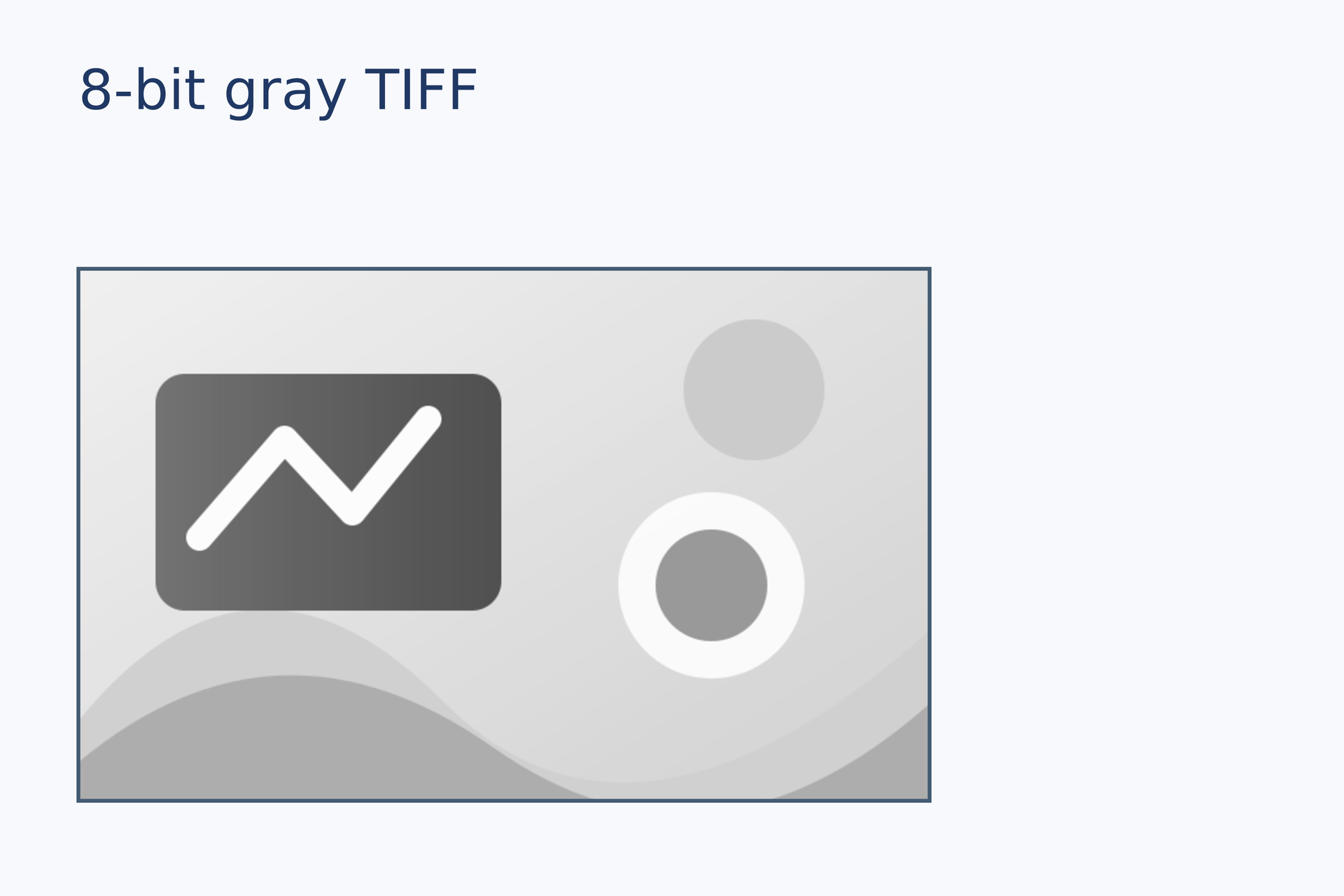
Source: tiff-gray.lay.
Reproduce: laymesh validate examples/gallery/images/tiff-gray.lay; laymesh render examples/gallery/images/tiff-gray.lay -o tiff-gray.png --dpi 150.
Observed CLI output: 有效:examples/gallery/images/tiff-gray.lay(120 × 80 mm,3 个顶层实例); PNG 709 × 472 px at 150 DPI; warnings: none.
8-bit RGB TIFF#
Import a single-page, three-channel 8-bit TIFF.
picture = image(src="../assets/rgb8.tiff")placed = page.add(picture,size=(76 mm, auto), target=page.top_left, offset=(7 mm, 24 mm))frame = rect(size=(76 mm, 47.5 mm), fill="none", border_color="#435b72", border_width=0.35 mm)page.add(frame, target=placed.top_left)
Source: tiff-rgb.lay.
Reproduce: laymesh validate examples/gallery/images/tiff-rgb.lay; laymesh render examples/gallery/images/tiff-rgb.lay -o tiff-rgb.png --dpi 150.
Observed CLI output: 有效:examples/gallery/images/tiff-rgb.lay(120 × 80 mm,3 个顶层实例); PNG 709 × 472 px at 150 DPI; warnings: none.
Instances and cropping#
Reuse one asset#
Place one image definition twice at different widths; each placement has independent settings.
picture = image(src="../assets/sample.png")first = page.add(picture,size=(62 mm, auto), target=page.top_left, offset=(7 mm, 26 mm))page.add(picture,size=(34 mm, auto), target=first.top_right, offset=(9 mm, 0 mm))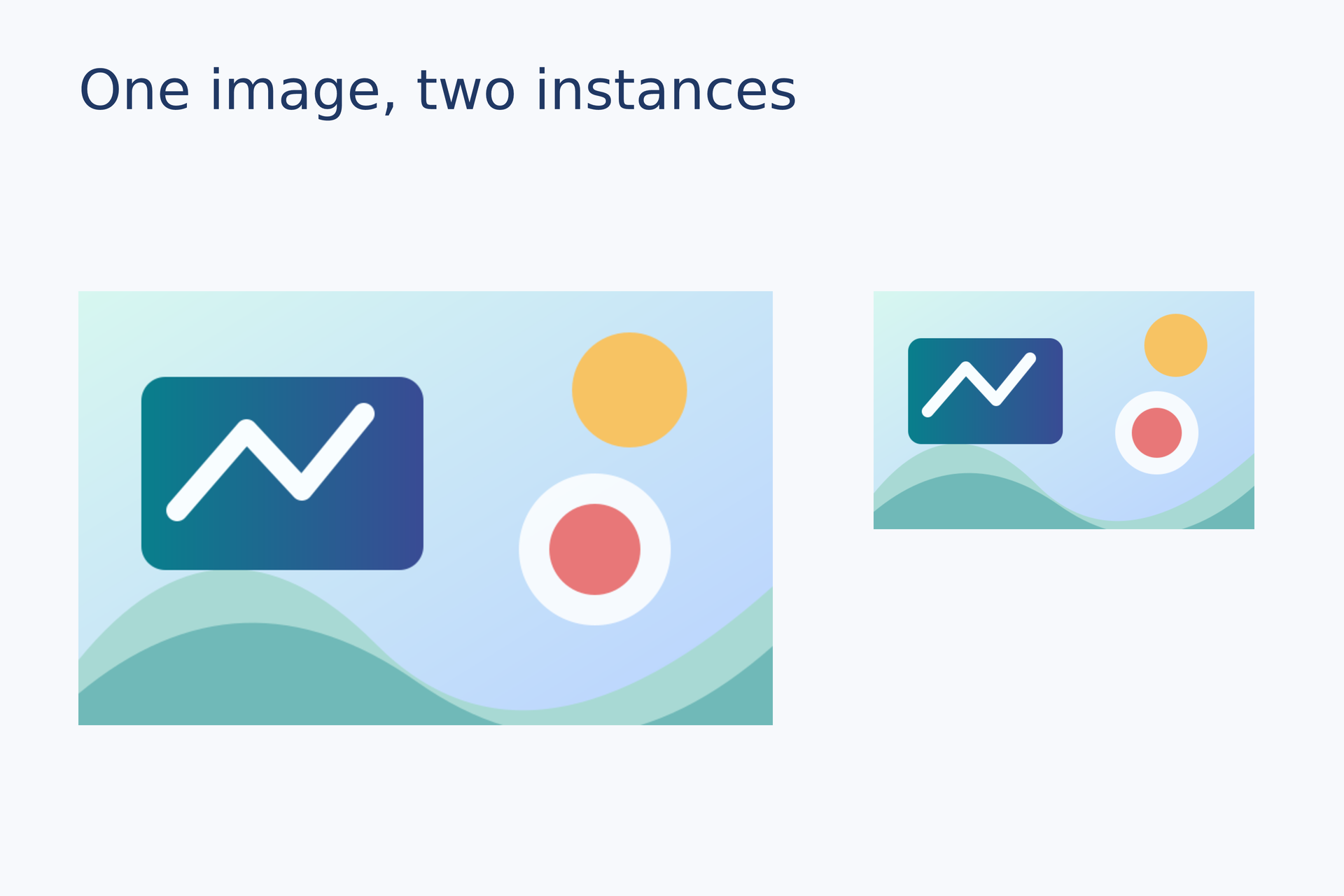
Source: reuse.lay.
Reproduce: laymesh validate examples/gallery/images/reuse.lay; laymesh render examples/gallery/images/reuse.lay -o reuse.png --dpi 150.
Observed CLI output: 有效:examples/gallery/images/reuse.lay(120 × 80 mm,3 个顶层实例); PNG 709 × 472 px at 150 DPI; warnings: none.
Independent crops#
Crop the right placement from the source while the left placement still shows the full image.
picture = image(src="../assets/sample.png")first = page.add(picture,size=(53 mm, auto), target=page.top_left, offset=(7 mm, 26 mm))page.add(picture,size=(44 mm, auto), crop=box(offset=(0.4, 0), size=(0.6, 1)), target=first.top_right, offset=(9 mm, 0 mm))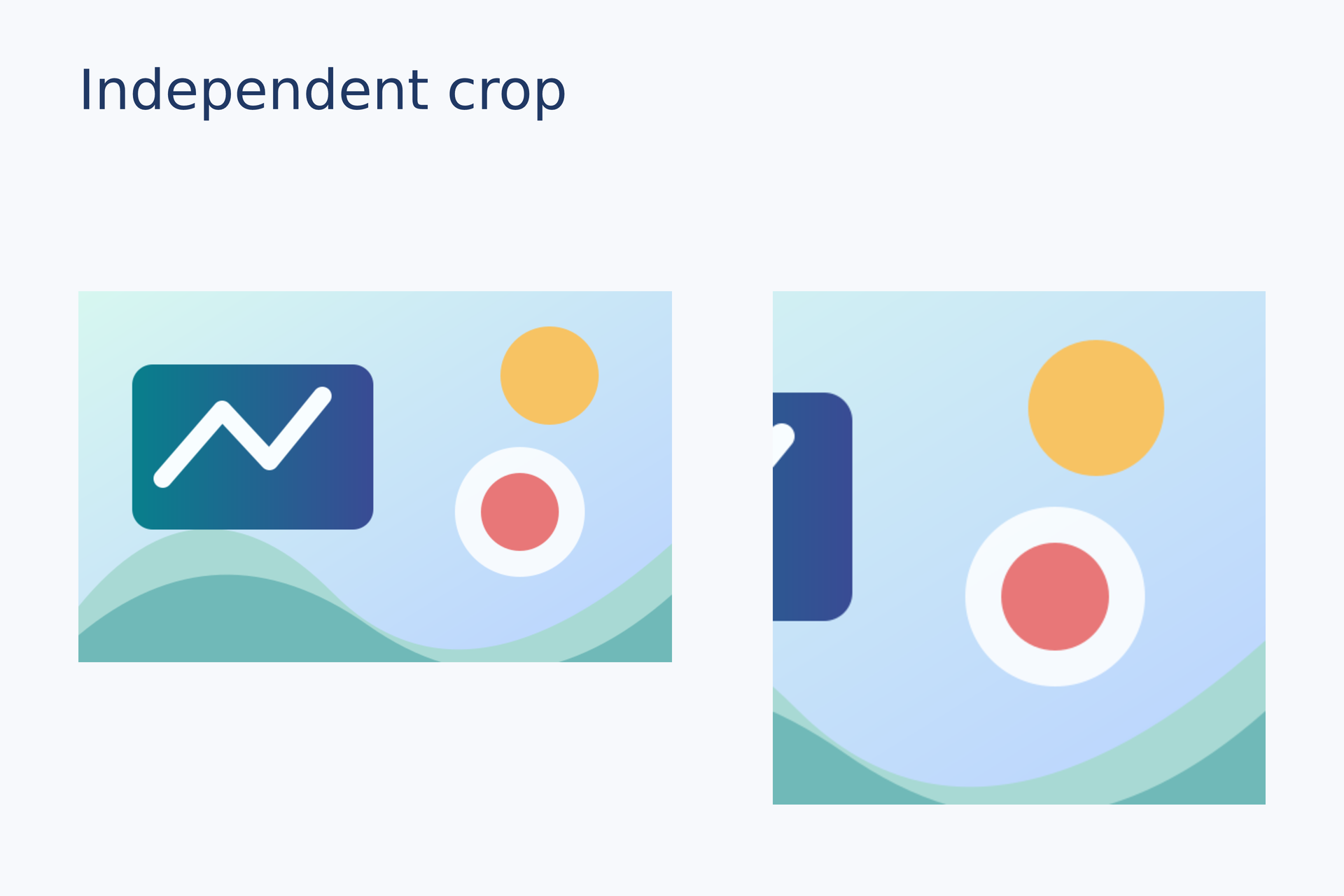
Source: crop.lay.
Reproduce: laymesh validate examples/gallery/images/crop.lay; laymesh render examples/gallery/images/crop.lay -o crop.png --dpi 150.
Observed CLI output: 有效:examples/gallery/images/crop.lay(120 × 80 mm,3 个顶层实例); PNG 709 × 472 px at 150 DPI; warnings: none.
Fit modes#
Contain#
Scale proportionally to show the entire image inside the frame, leaving space when needed.
picture = image(src="../assets/sample.png")frame = rect(size=(49 mm, 44 mm), fill="#e1e8ef", border_color="#39546b", border_width=0.4 mm)placed = page.add(frame, target=page.top_left, offset=(13 mm, 26 mm))page.add(picture,size=(49 mm, 44 mm), fit=contain, target=placed.top_left)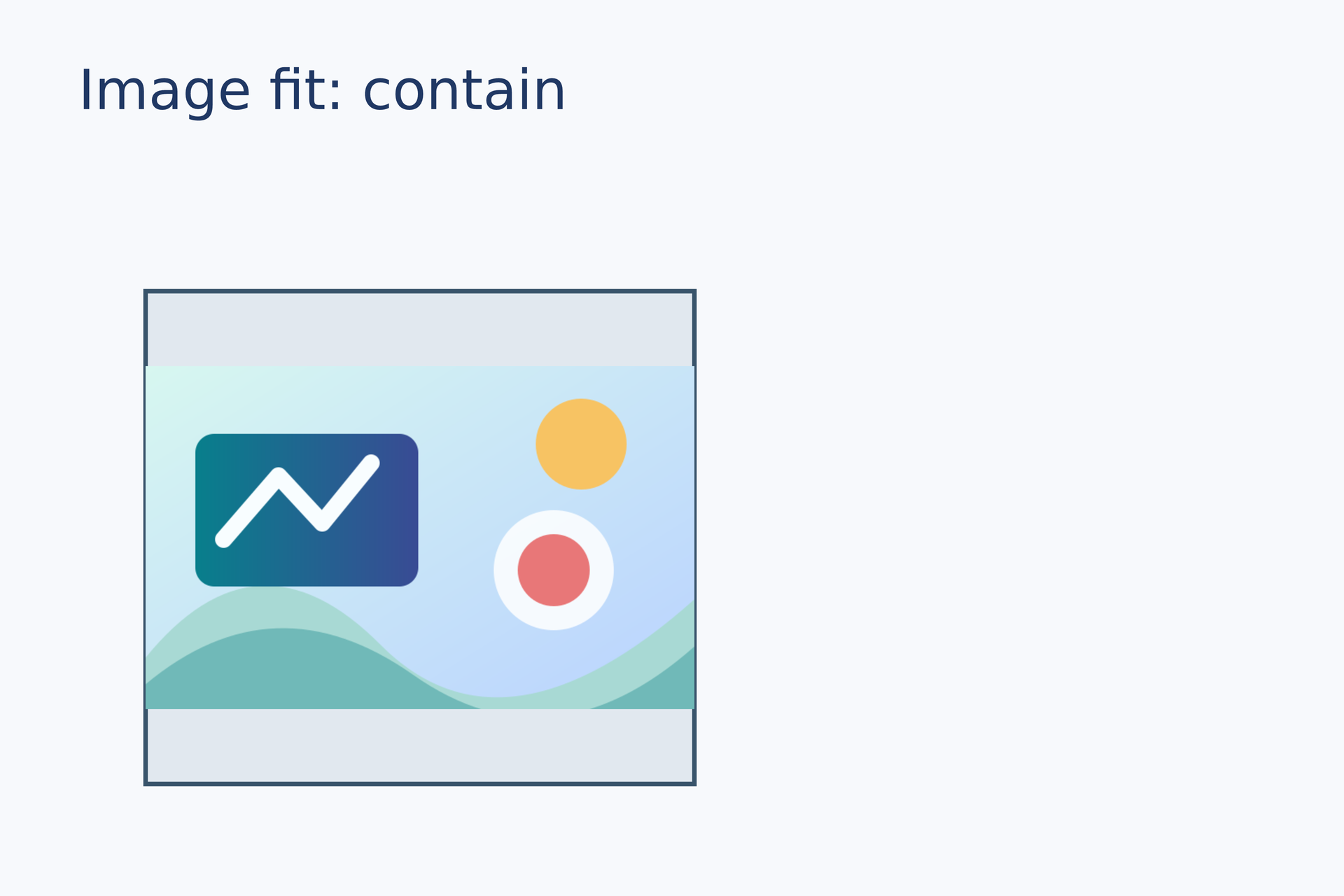
Source: fit-contain.lay.
Reproduce: laymesh validate examples/gallery/images/fit-contain.lay; laymesh render examples/gallery/images/fit-contain.lay -o fit-contain.png --dpi 150.
Observed CLI output: 有效:examples/gallery/images/fit-contain.lay(120 × 80 mm,3 个顶层实例); PNG 709 × 472 px at 150 DPI; warnings: none.
Cover#
Scale proportionally until the image fills the frame, clipping any overflow.
picture = image(src="../assets/sample.png")frame = rect(size=(49 mm, 44 mm), fill="#e1e8ef", border_color="#39546b", border_width=0.4 mm)placed = page.add(frame, target=page.top_left, offset=(13 mm, 26 mm))page.add(picture,size=(49 mm, 44 mm), fit=cover, target=placed.top_left)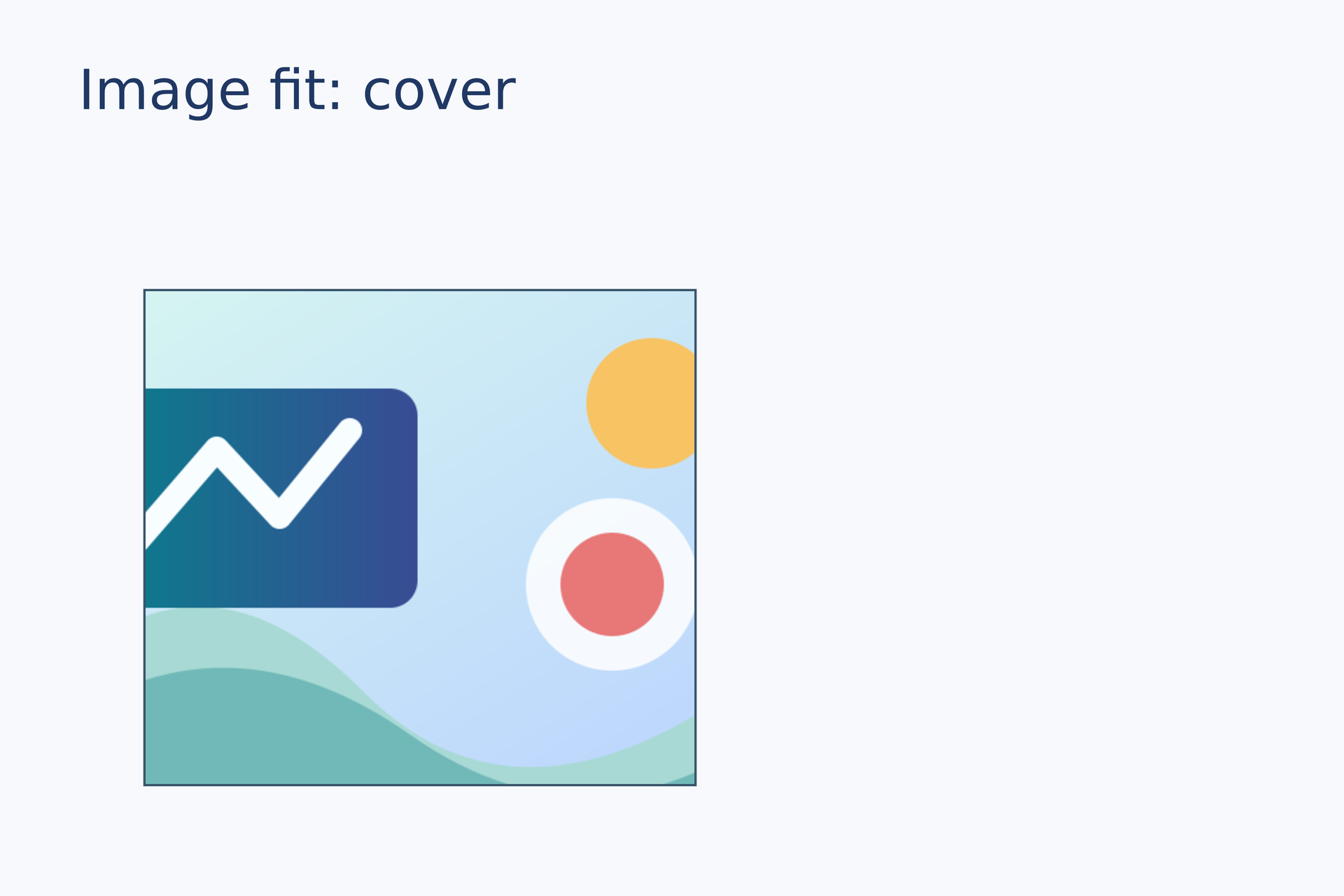
Source: fit-cover.lay.
Reproduce: laymesh validate examples/gallery/images/fit-cover.lay; laymesh render examples/gallery/images/fit-cover.lay -o fit-cover.png --dpi 150.
Observed CLI output: 有效:examples/gallery/images/fit-cover.lay(120 × 80 mm,3 个顶层实例); PNG 709 × 472 px at 150 DPI; warnings: none.
Stretch#
Scale width and height independently to demonstrate a nonuniform fit.
picture = image(src="../assets/sample.png")frame = rect(size=(49 mm, 44 mm), fill="#e1e8ef", border_color="#39546b", border_width=0.4 mm)placed = page.add(frame, target=page.top_left, offset=(13 mm, 26 mm))page.add(picture,size=(49 mm, 44 mm), fit=stretch, target=placed.top_left)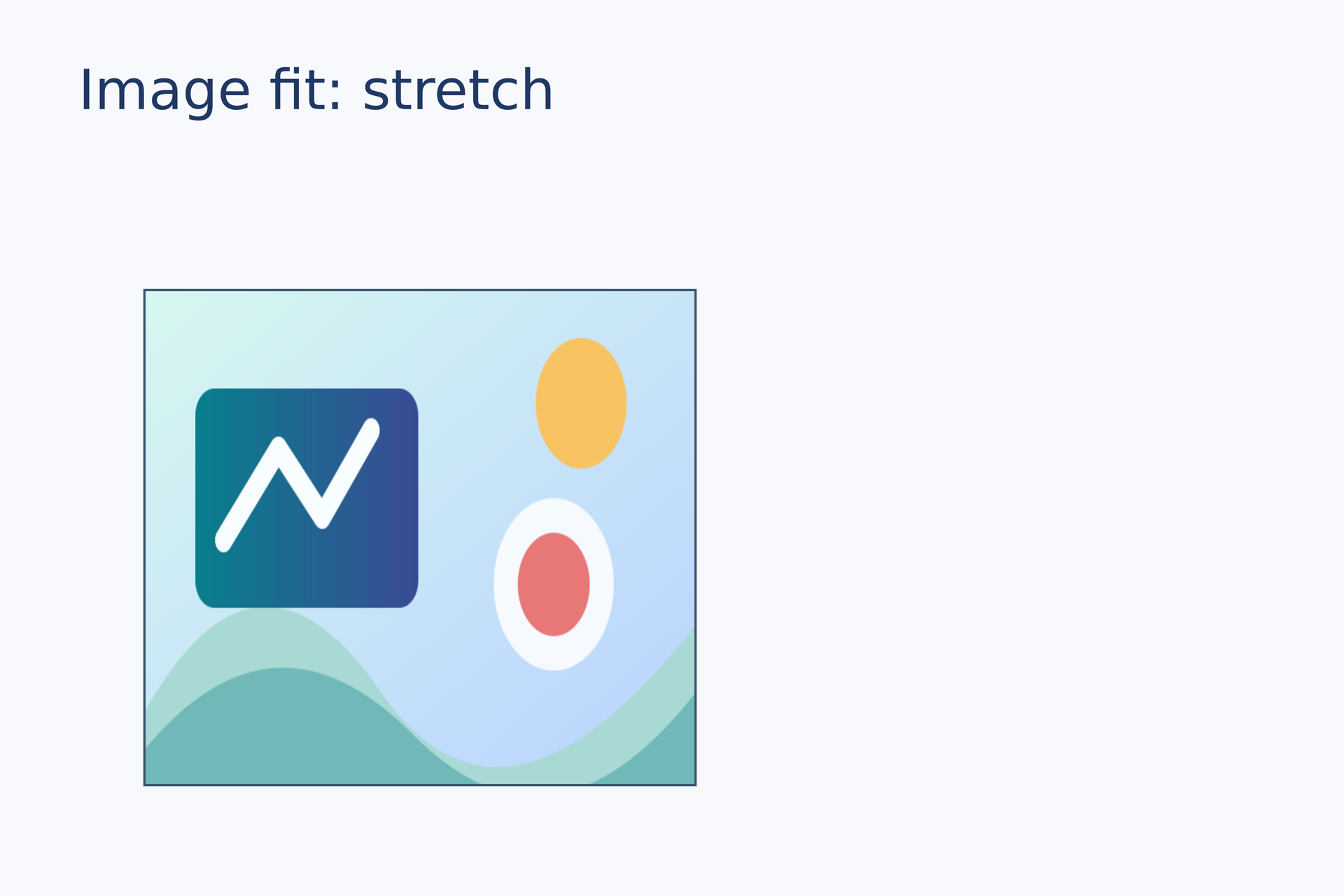
Source: fit-stretch.lay.
Reproduce: laymesh validate examples/gallery/images/fit-stretch.lay; laymesh render examples/gallery/images/fit-stretch.lay -o fit-stretch.png --dpi 150.
Observed CLI output: 有效:examples/gallery/images/fit-stretch.lay(120 × 80 mm,3 个顶层实例); PNG 709 × 472 px at 150 DPI; warnings: none.